29
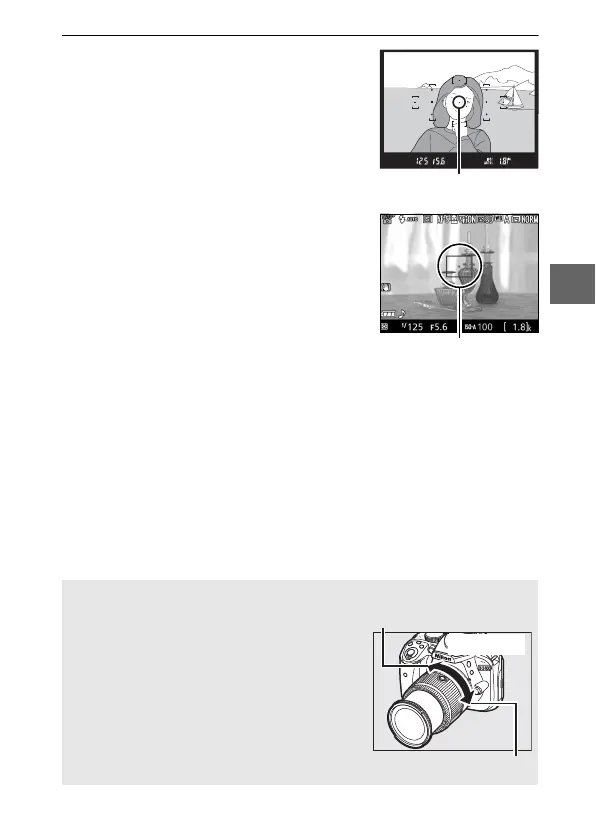
3 Frame the photograph.
Viewfinder photography: Frame a
photograph in the viewfinder with the
main subject in at least one of the 11
focus points.
Live view: At default settings, the
camera automatically detects faces
and selects the focus point.
If no face
is detected, the camera will focus on
subjects near the center of the frame.
A Using a Zoom Lens
Before focusing, rotate the zoom ring to
adjust the focal length and frame the
photograph. Use the zoom ring to zoom in
on the subject so that it fills a larger area of
the frame, or zoom out to increase the area
visible in the final photograph (select longer
focal lengths on the lens focal length scale
to zoom in, shorter focal lengths to zoom
out).



 To Next Page