38
Movies can be recorded in live view mode.
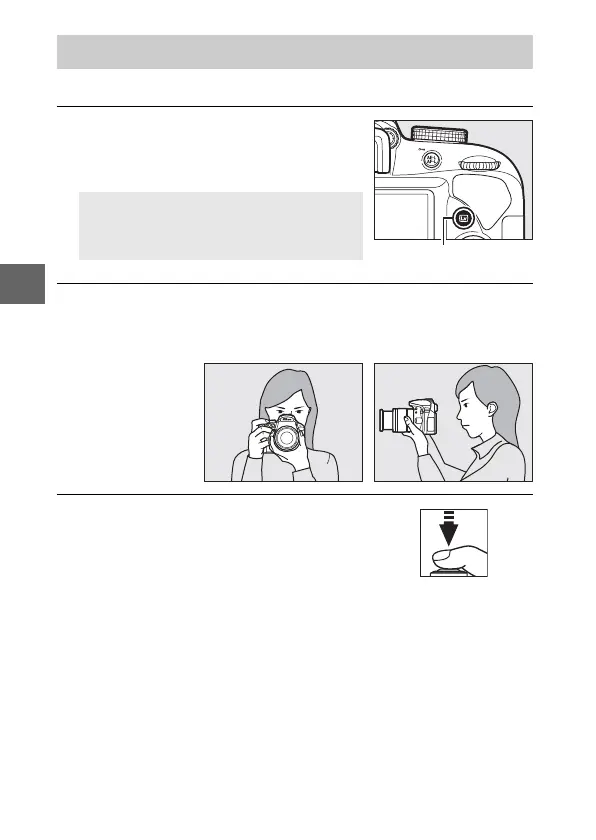
1 Press the a button.
The view through the lens will be
displayed in the monitor.
2 Ready the camera.
Hold the handgrip in your right hand and cradle the camera
body or lens with your left.
3 Focus.
Press the shutter-release button
halfway to focus.
Recording Movies
D The 0 Icon
A 0 icon indicates that movies can not
be recorded.



 To Next Page