39
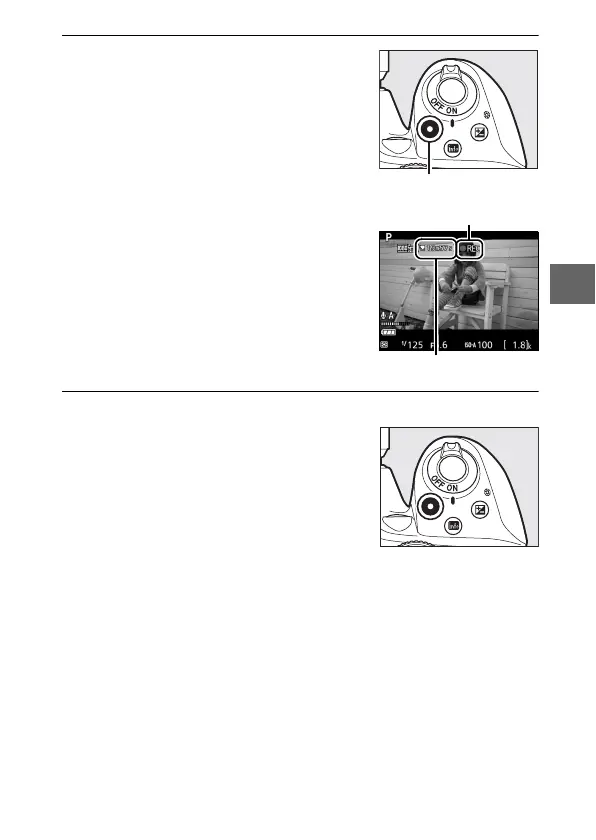
4 Start recording.
Press the movie-record button to start
recording. A recording indicator and
the time available are displayed in the
monitor.
5 End recording.
Press the movie-record button again
to end recording. Recording will end
automatically when the maximum
length is reached, the memory card is
full, or another mode is selected. Press
the a button to end live view.
Movie-record button
Recording indicator
Time remaining



 To Next Page