46
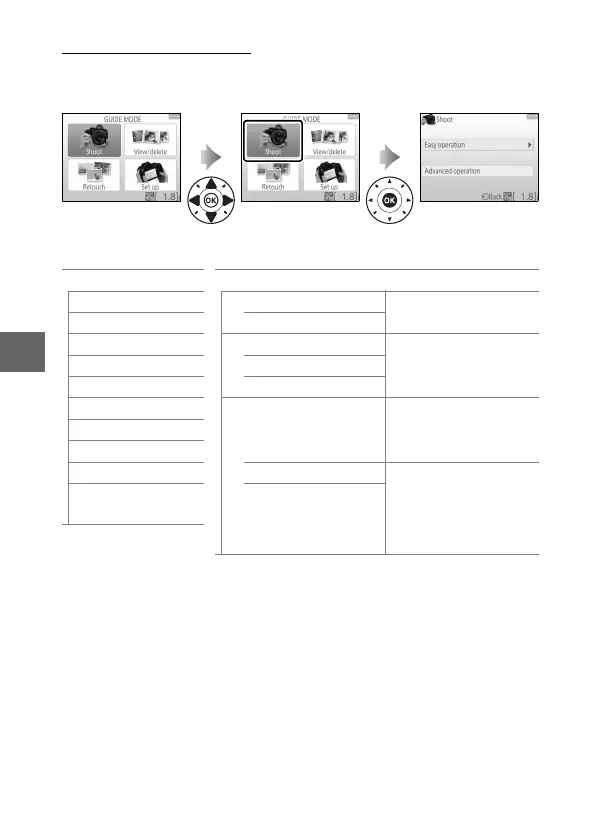
Guide Mode Menus
To access these menus, highlight Shoot, View/delete, Retouch,
or Set up and press J.
❚❚ Shoot
* Affects other Advanced operation items.
To restore default settings,
turn the camera off and then on again.
Easy operation Advanced operation
4 Auto
#
Soften backgrounds
Adjust aperture.
5 No flash Bring more into focus
9 Distant subjects
$
Freeze motion (people)
Select a shutter
speed.
! Close-ups Freeze motion (vehicles)
8 Sleeping faces Show water flowing
9 Moving subjects
H
Capture reds in sunsets
*
Adjust white balance
to vividly capture the
colors in sunsets.
7 Landscapes
6 Portraits
" Night portrait Take bright photos
*
Adjust exposure
compensation to take
bright (high key) or
dark (low key) photos.
5
Photograph night
landscapes
Take dark (low key)
photos
*



 To Next Page