17
Camera Setup
❚❚ Setup from a Smartphone or Tablet
Before proceeding, install the SnapBridge app as
described inside the front cover and enable
Bluetooth on your smartphone or tablet (below,
“smart device”).
Note that the actual camera and
smart device displays may differ from those shown below.
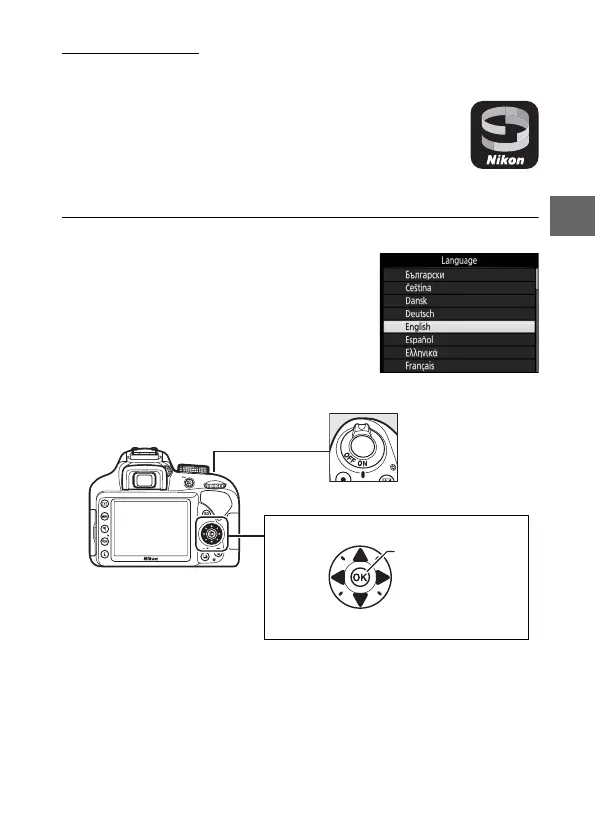
1 Turn the camera on.
A language-selection dialog will be
displayed.
Use the multi selector and J button to navigate the menus.
Press 1 and 3 to highlight a language and press J to select.
The language can be changed at any time using the
Language option in the setup menu.
1 Up
J button (select)
4 Left 2 Right
3 Down
Multi selector
Power switch



 To Next Page