28
To switch rapidly from one image area to another while
maintaining image quality, assign each combination of
settings to a shooting menu bank and use the Fn button
to switch between banks.
1
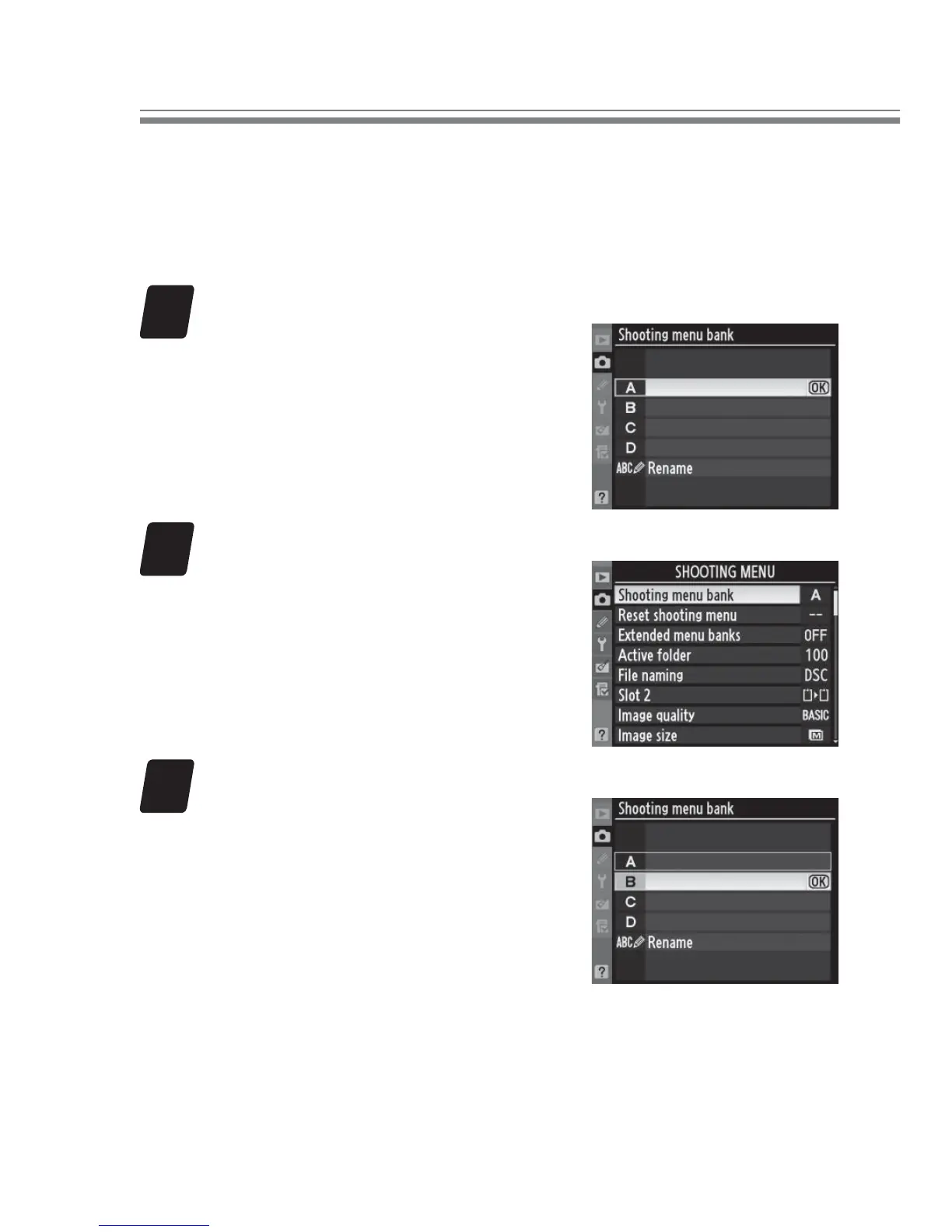
Choose shooting menu bank A.
In the shooting menu, select
Shooting menu bank.
High-
light bank A and press J.
2
Adjust settings for shooting menu bank A.
Sample settings are listed be-
low:
Image quality: JPEG basic
Image size: M
Image area: FX (36 × 24) 1.0 ×
•
•
•
3
Choose shooting menu bank B.
In the shooting menu, select
Shooting menu bank.
High-
light bank B and press J.
Shooting Tips



 To Next Page