Options Available
in Live View
Settings for the selected effect are adjusted in the
live
view
display
but
apply during
live view and viewfinder photography
and movie recording.
111!1
Photo
Illustration
1
Select live
view.
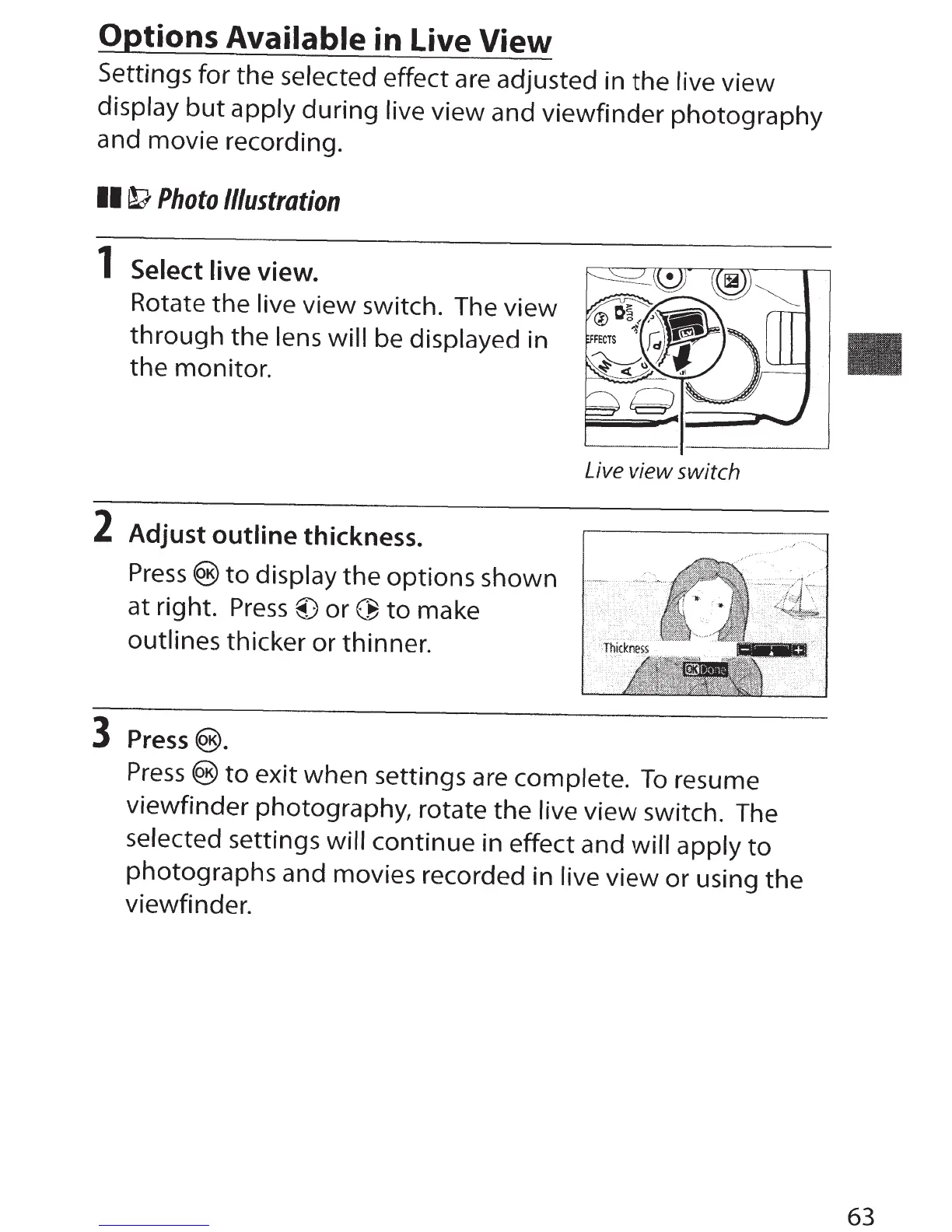
Rotate the live view switch. The view
through
the lens will be displayed in
the
monitor.
2 Adjust outline thickness.
Press®
to
display
the
options shown
at right.
Press@)
or~
to
make
outlines thicker or thinner.
3
Press@.
Live
view switch
Press®
to
exit when settings are complete.
To
resume
viewfinder photography, rotate the
live
view switch. The
selected settings
will
continue in effect and will apply
to
photographs and movies recorded in live view or using
the
viewfinder.
63



 To Next Page