EasyManua.ls Logo

Nikon D5500 - Page 86

Nikon D5500
583 pages
Print Icon
To Next Page IconTo Next Page
To Previous Page IconTo Previous Page
Loading...
64
II
Q
Toy
Camera
Effect
1
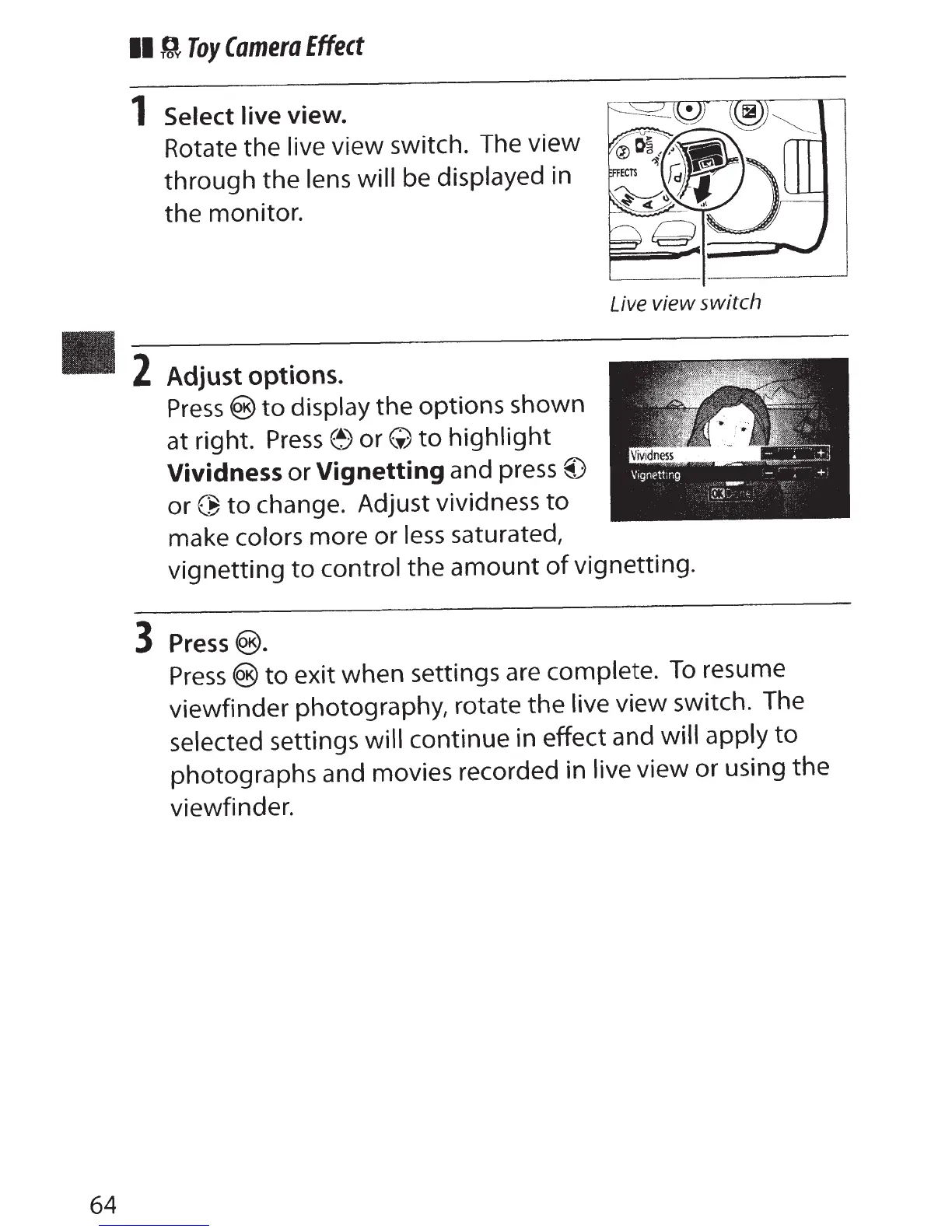
Select live
view.
Rotate the live
view switch. The
view
through
the
lens will
be
displayed in
the
monitor.
2
Adjust options.
Press@)
to
display
the
options shown
at
right.
Press
e)
or(;)
to
highlight
Vividness
or
Vignetting
and press
@)
or~
to
change. Adjust vividness
to
make
colors
more or
less
saturated,
Live view switch
vignetting
to
control
the
amount
of
vignetting.
3
Press@).
Press®
to
exit when settings are complete.
To
resume
viewfinder
photography, rotate
the
live
view
switch. The
selected
settings
will
continue in effect and
will apply
to
photographs and movies recorded in
live
view or using
the
viewfinder.

Table of Contents

Other manuals for Nikon D5500

Related product manuals