EasyManua.ls Logo

Nikon D5500 - Page 87

Nikon D5500
583 pages
Print Icon
To Next Page IconTo Next Page
To Previous Page IconTo Previous Page
Loading...
II
~~Miniature
Effect
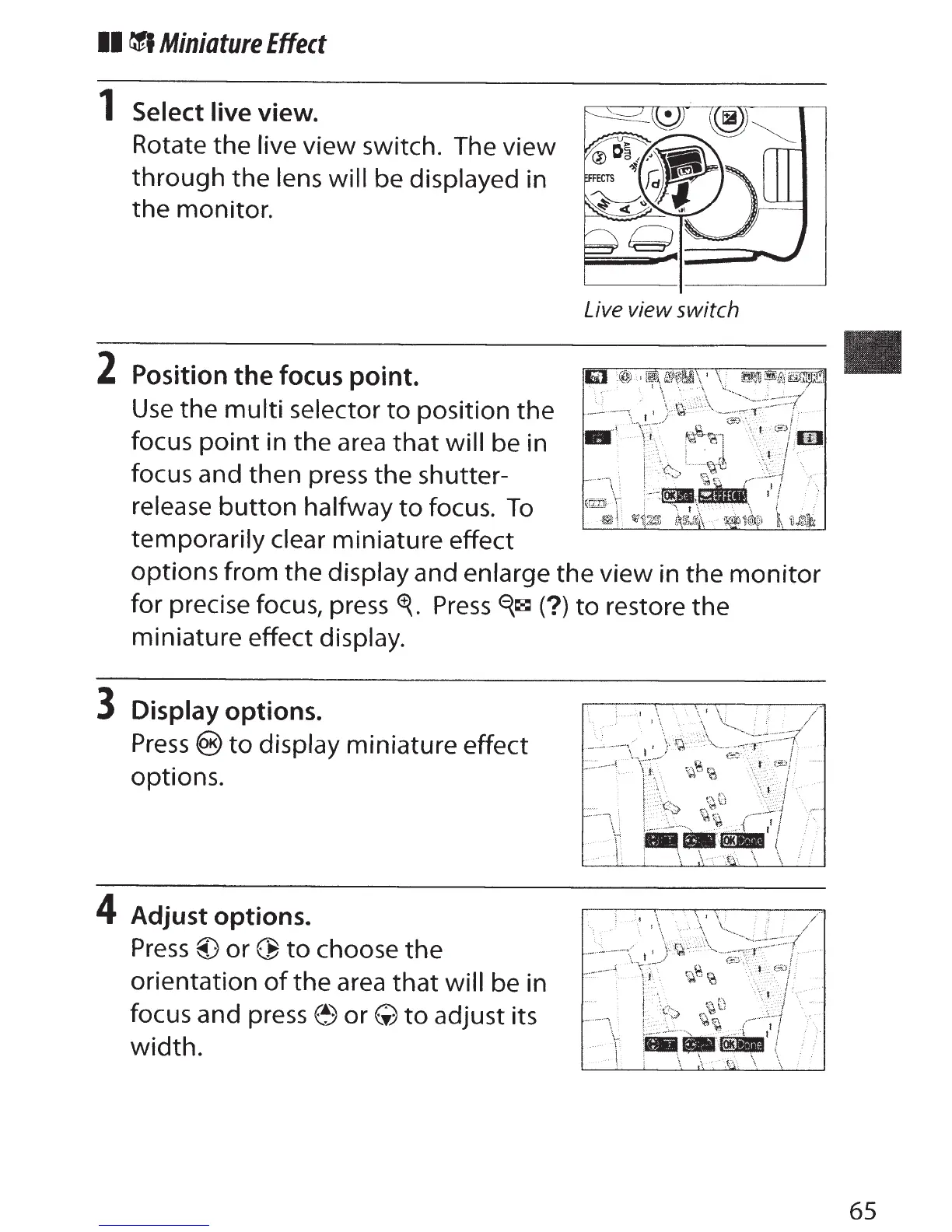
1
Select live view.
Rotate
the
live
view switch. The
view
through
the
lens will be displayed in
the
monitor.
2
Position the focus point.
Use
the
multi
selector
to
position
the
focus
point
in
the
area
that
will be in
focus and
then
press
the
shutter-
release
button
halfway
to
focus.
To
temporarily
clear
miniature effect
Live view switch
options
from the display and enlarge
the
view
in the
monitor
for precise focus, press
~.
Press
E{~
(?)to
restore
the
miniature effect display.
3 Display
options.
Press
@)to
display miniature effect
options.
4 Adjust
options.
Press
@)
or
~
to
choose
the
orientation
of
the
area
that
will
be in
focus and press
(!)or(;)
to
adjust its
width.
65

Table of Contents

Other manuals for Nikon D5500

Related product manuals