66
S
Press@).
Press@)
to
exit when settings are complete.
To
resume
viewfinder
photography,
rotate
the
live
view
switch.
The
selected settings will continue in effect and will apply
to
photographs and movies recorded in live
view
or
using the
viewfinder.
II
jf
Selective
Color
1
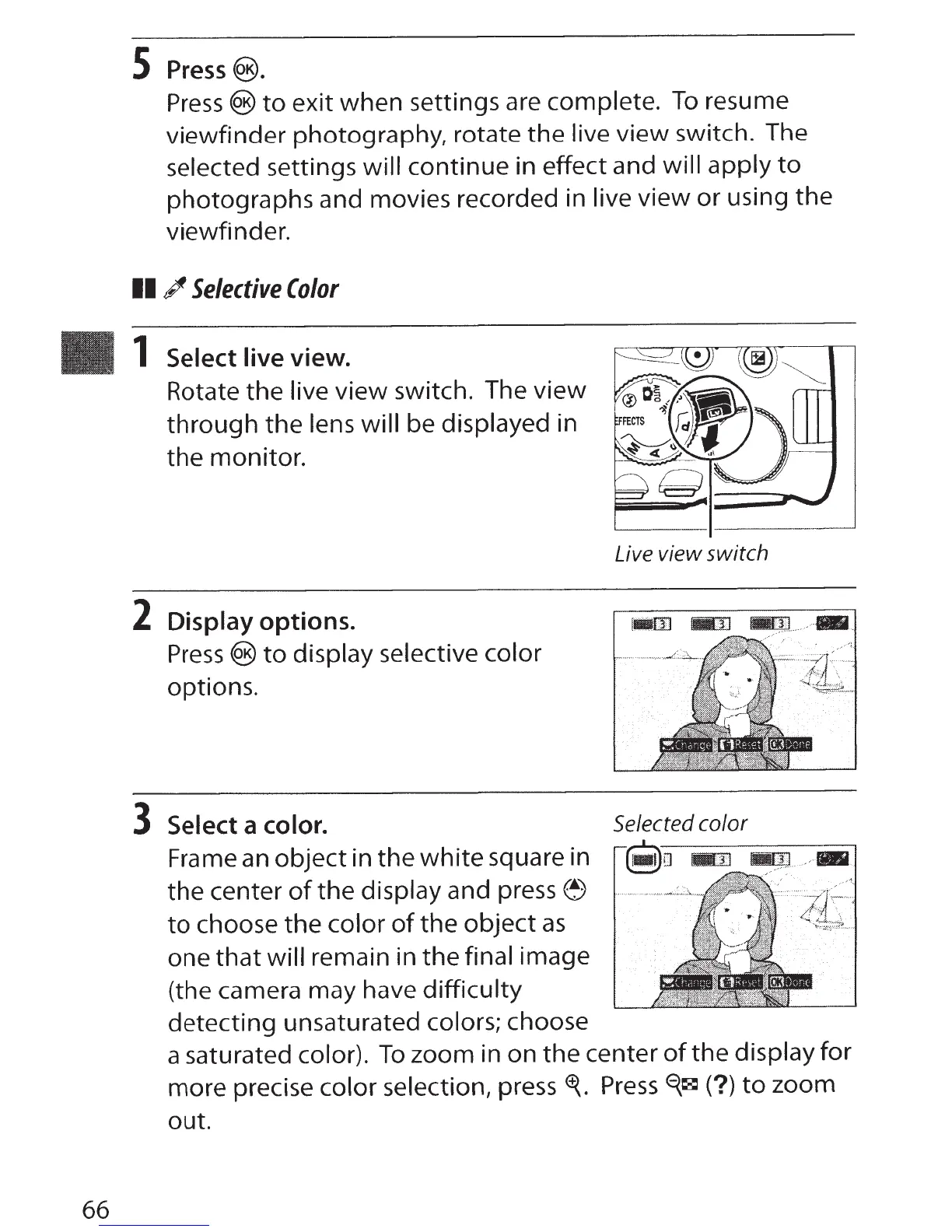
Select live view.
Rotate the live view switch. The view
through
the
lens will be displayed in
the monitor.
2 Display options.
Press
®to
display selective color
options.
3
Select a color.
Frame
an
object in
the
white
square in
the
center
of
the
display and
press~
to
choose
the
color
of
the
object
as
one
that
will remain in
the
final image
(the camera may have difficulty
detecting unsaturated colors; choose
Live view switch
Selected
color
a saturated color).
To
zoom in on the center
of
the display for
more precise color selection, press
<f{.
Press~~(?)
to
zoom
out.



 To Next Page