132
Menu Guide—The Shooting Menu
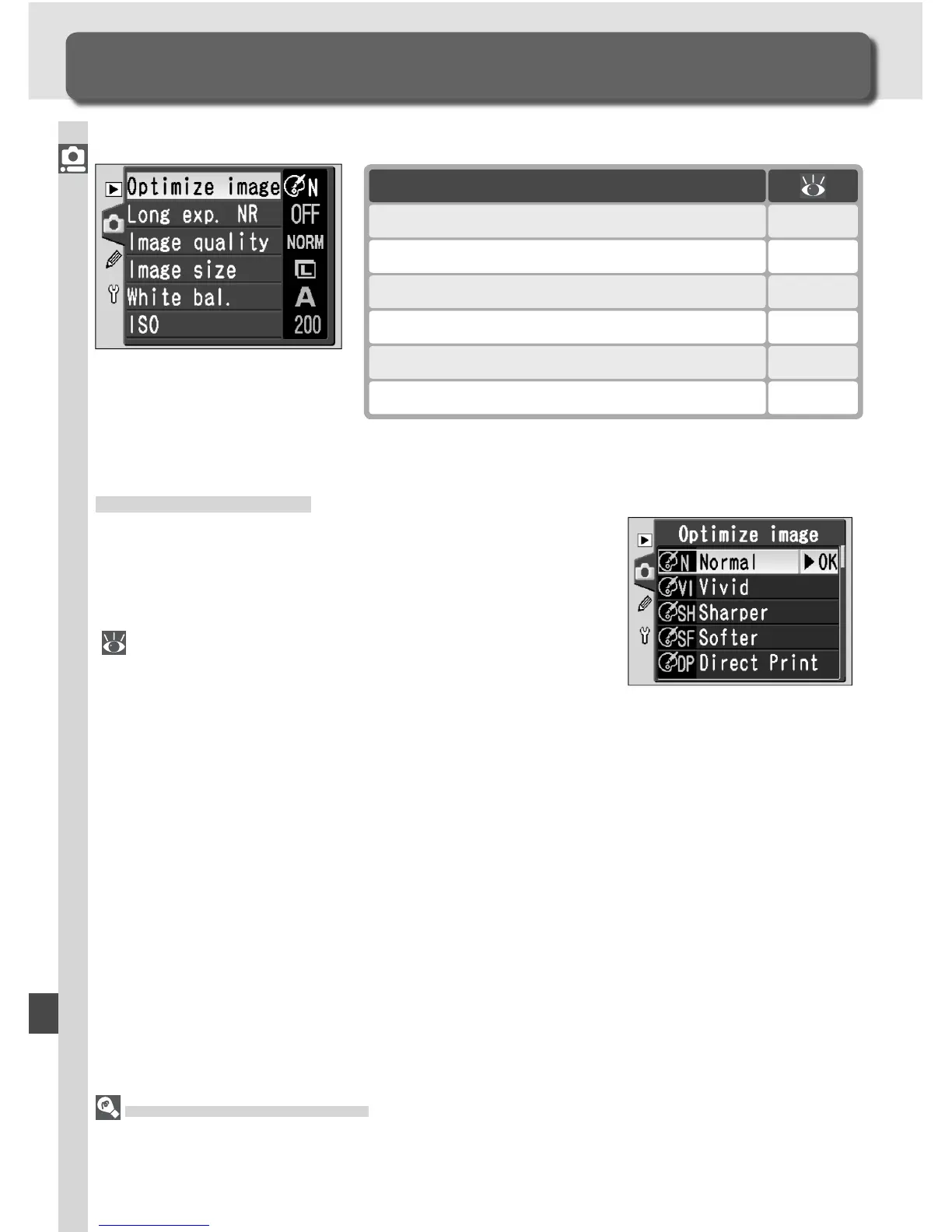
The shooting menu contains the following options:
The Shooting Menu
Shooting Options
Option
Optimize image
*
56–61
Long exp. NR 133
Image quality 41–42
Image size 43–45
White bal.
*
48–55
ISO 46–47
Optimize Image
When the mode dial is set to P, S, A, or M, pho-
tographs are enhanced according to the option
selected in the Optimize image menu. See “Tak-
ing Photographs: Optimizing Images” for details
( 56).
Using the Multi Selector
The multi selector can be used at any time when the monitor is on. The focus selector
lock switch only takes effect when the monitor is off.
*Available only when mode dial is set to P, S, A, or M.



 To Next Page