134
Menu Guide—The Shooting Menu
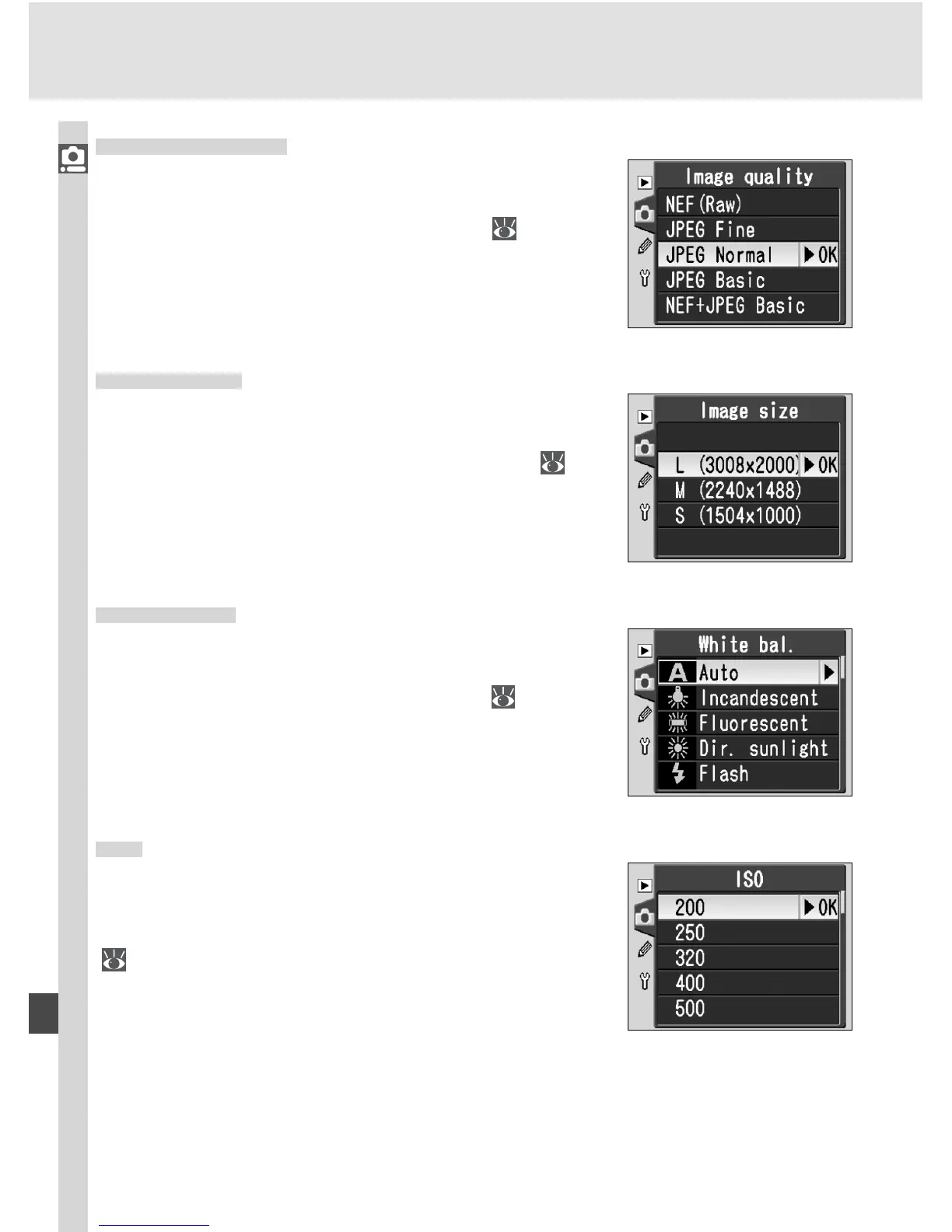
Image Quality
Image quality can be selected from the options
shown at right. For more information, see “Taking
Photographs: Image Quality and Size” (
41).
Image Size
Image size can be selected from L (3008 × 2000),
M (2240 × 1488), and S (1504 × 1000). See “Tak-
ing Photographs: Image Quality and Size” ( 43)
for more information.
White Bal.
This option is only available when the mode dial is
rotated to P, S, A, or M. For more information, see
“Taking Photographs: White Balance” ( 48).
ISO
Sensitivity (ISO equivalency) can be raised above
the default setting of ISO 200 equivalent. See
“Taking Photographs: Sensitivity (ISO Equivalency)”
( 46) for details.



 To Next Page