34
Tutorial—Digital Vari-Programs
Subject too dark. Raise sensitivity (ISO equiv a len cy; 46).
DescriptionIndicator
Subject too bright. Use optional Neutral Density (ND) fi lter.
The Remote Cord Connector Cover
To prevent moisture entering via the remote cord connector from damaging the cam-
era, keep the remote cord connector cover closed in wet or humid environments.
Exposure Warning
If the limits of the exposure metering system are exceeded, one of the following in di -
ca tors will be dis played in the control panel and viewfi nder:
Color Space
Digital Vari-Program modes use the sRGB color space ( 59).
The Self-Timer, Remote Control, and Remote Cord
The self-timer and optional remote accessories can be used to operate the shutter
remotely and prevent blur caused by camera shake. At default settings, the self-
timer delays shutter release until about ten seconds after the shutter-release button
is pressed ( 105). The optional ML-L3 remote control offers instantaneous remote
release and remote release with a two-second delay ( 107), while the optional MC-
DC1 remote cord can be used for remote release and features a shutter-release button
lock (see the MC-DC1 instruction manual for details).
P, S, A, and M Modes
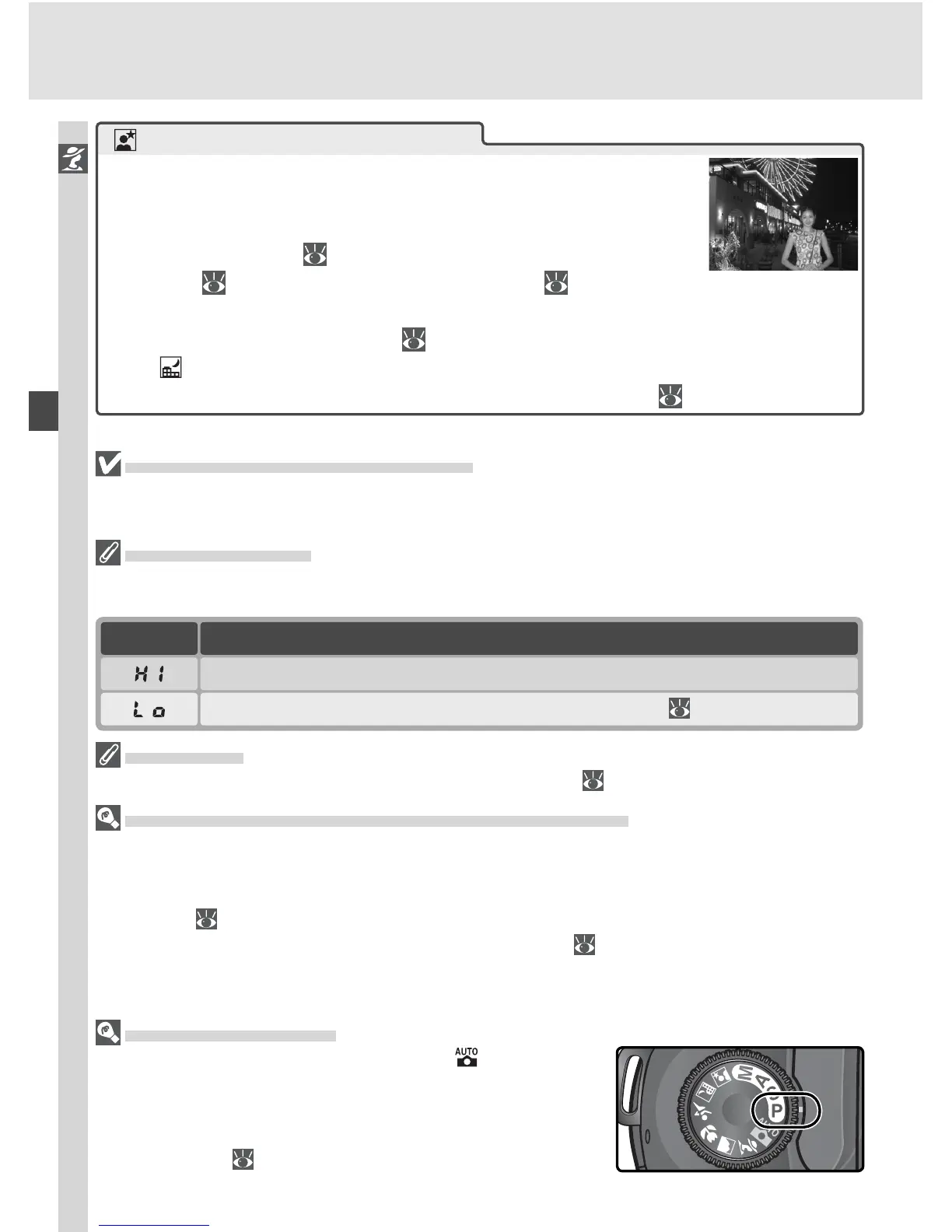
In addition to the settings available in mode, P, S,
A, and M modes offer control over such settings as
shutter speed and aperture, white balance, image op-
timization, and exposure compensation. See “Taking
Photographs” ( 35).
Night portrait
Provides natural balance between main subject and back-
ground in portraits taken under low light. Lighting for por-
trait subject will seem natural even when fl ash is used.
• Tripod, self-timer ( 105), and / or optional ML-L3 remote
control (
107) or MC-DC1 remote cord ( 191) can be used to prevent
blurring at slow shutter speeds. At speeds slower than 1 s, use noise re-
duction to reduce mottling ( 133).
• Use mode for night shots that do not include portrait subject.
• Flash set to slow sync. Other modes can be selected ( 96).



 To Next Page