77
y
Saving Selected Frames
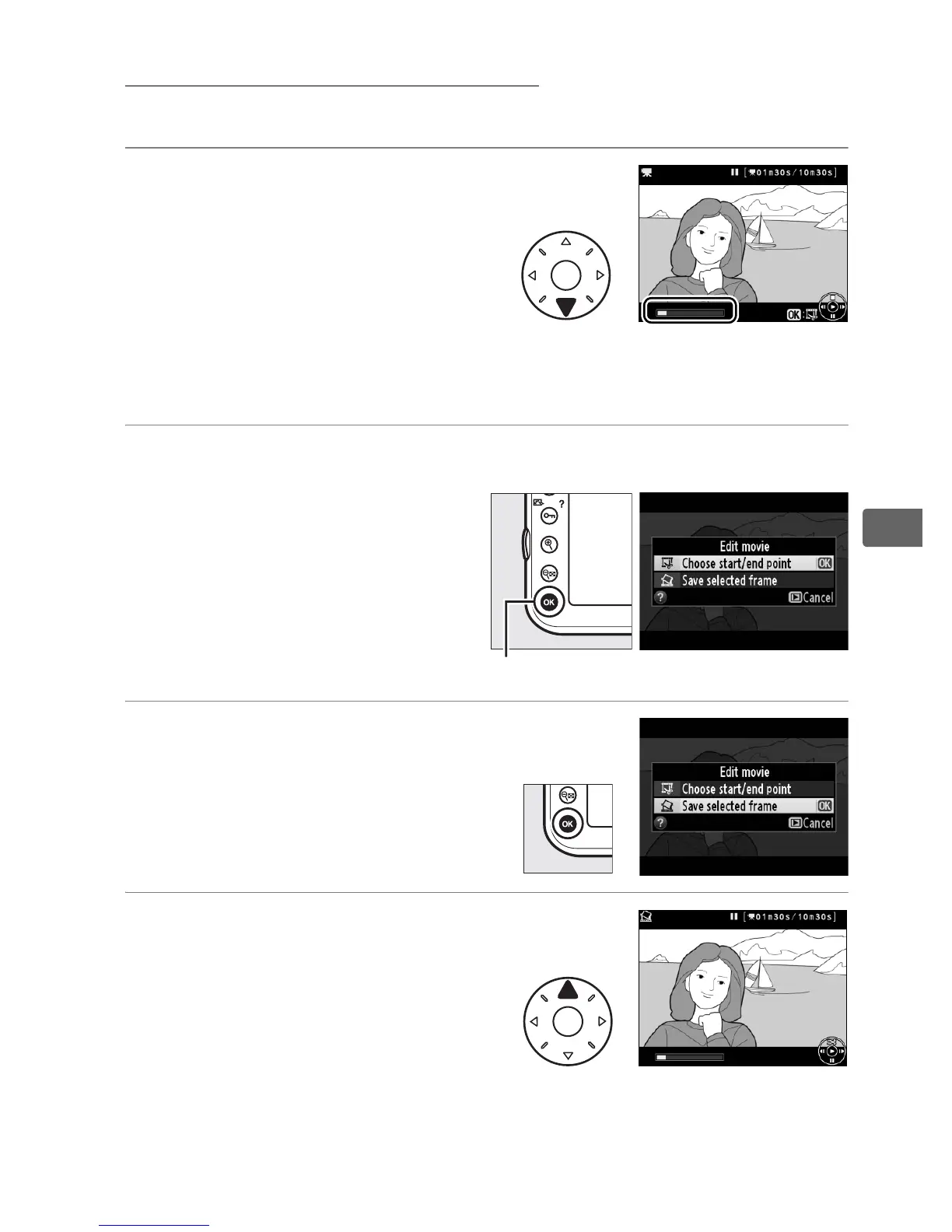
To save a copy of a selected frame as a JPEG still:
1 View the movie and
choose a frame.
Play the movie back as
described on page 72; your
approximate position in the
movie can be ascertained from the movie progress bar.
Pause
the movie at the frame you intend to copy.
2 Display movie edit options.
Press J to display movie
edit options.
3 Choose Save selected
frame.
Highlight Save selected
frame and press J.
4 Create a still copy.
Press 1 to create a still copy
of the current frame.
J button



 To Next Page