t
193
t
Other Shooting Options
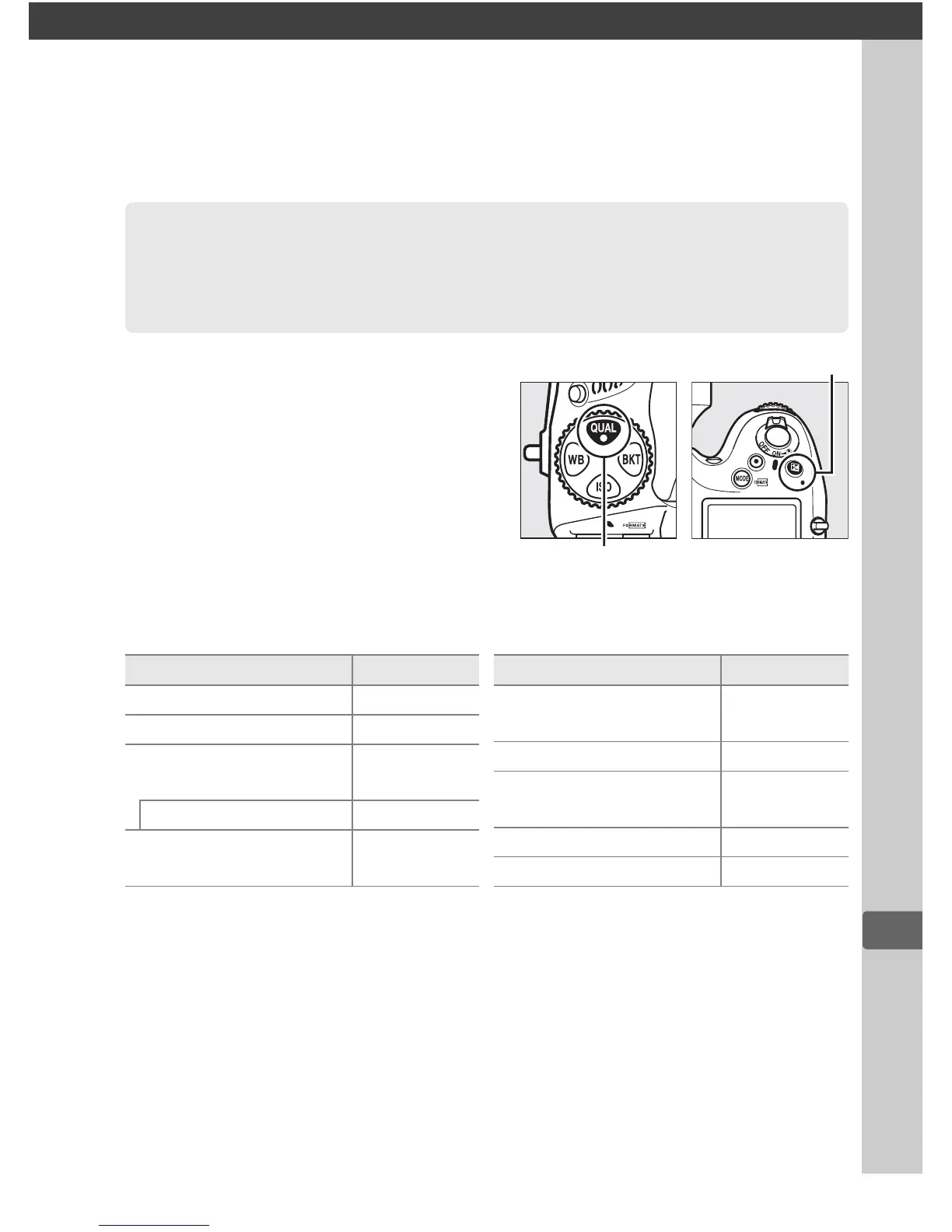
The camera settings listed below
can be restored to default values
by holding the T and E
buttons down together for more
than two seconds (these buttons
are marked by a green dot).
The
control panel turns off briefly
while settings are reset.
❚❚ Settings Accessible from the Shooting Menu
1
1 With the exception of multiple exposure and interval timer settings, only
settings in the bank currently selected using the
Shooting menu bank
option
will be reset (
0
269).
Settings in the remaining banks are unaffected.
2 Current Picture Control only.
3 Exposure differential and smoothing are not reset.
4 If multiple exposure is currently in progress, shooting will end and multiple
exposure will be created from exposures recorded to that point.
Gain and
number of shots are not reset.
5 If interval timer shooting is currently in progress, shooting will end. Starting
time, shooting interval, and number of intervals and shots are not reset.
Two-Button Reset: Restoring
Default Settings
T button
E button
Option Default
Image quality JPEG normal
Image size Large
White balance
Auto >
Normal
Fine-tuning
A-B: 0, G-M: 0
Picture Control
settings
2
Unmodified
HDR (high dynamic
range)
Off
3
ISO sensitivity 100
Auto ISO sensitivity
control
Off
Multiple exposure Off
4
Interval timer shooting Off
5
Option Default



 To Next Page