320
U
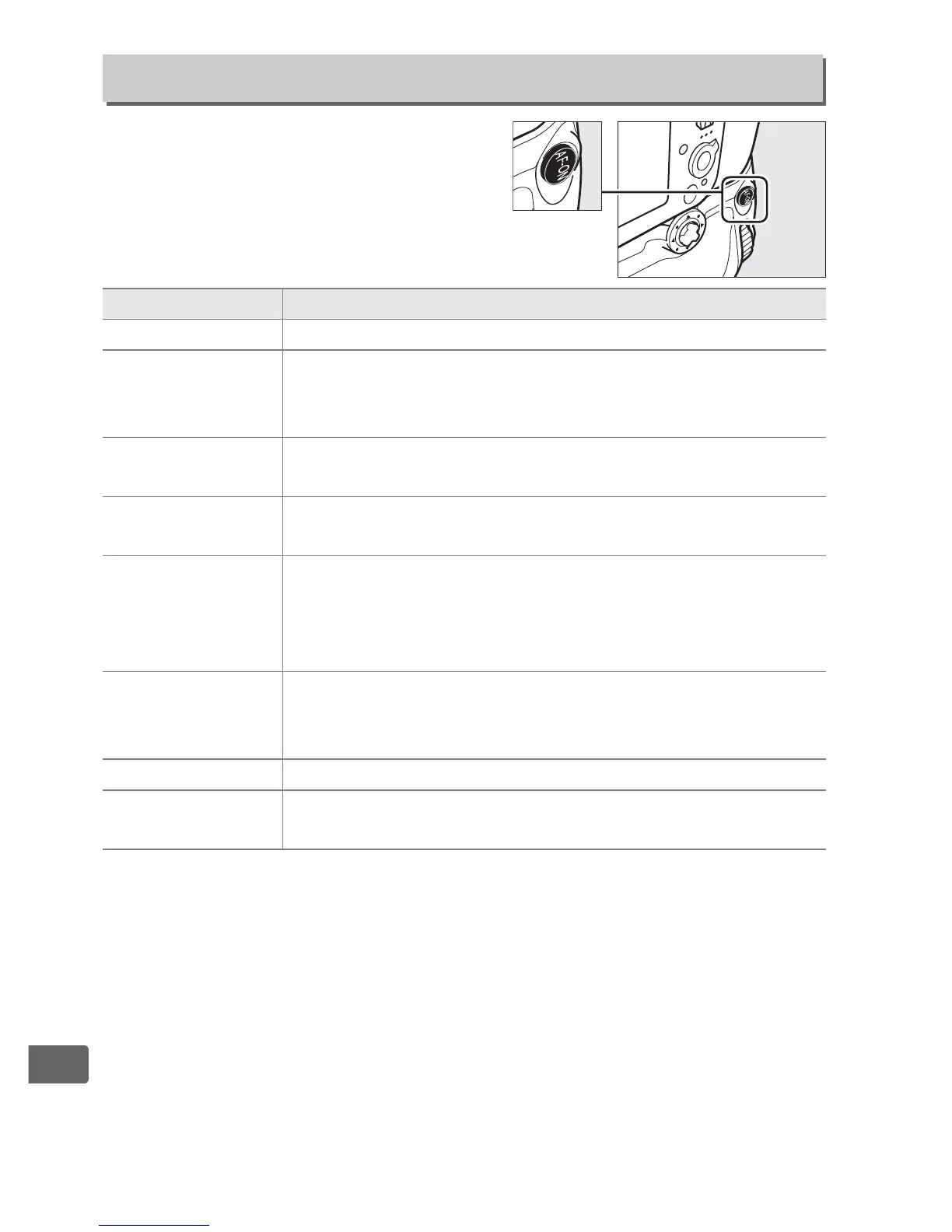
Choose the function assigned to the
B button on the optional
MB-D12 battery pack.
f13: Assign MB-D12 AF-ON
G button ➜ A Custom Settings menu
Option Description
A AF-ON Pressing the MB-D12 B button initiates autofocus.
r FV lock
Press the MB-D12 B button to lock flash value
(built-in flash and compatible optional flash units only,
0 190, 382). Press again to cancel FV lock.
B AE/AF lock
Focus and exposure lock while the MB-D12 B
button is pressed.
C AE lock only
Exposure locks while the MB-D12 B button is
pressed.
D
AE lock (Reset
on release)
Exposure locks when the MB-D12 B button is
pressed, and remains locked until the button is
pressed a second time, the shutter is released or the
exposure meters turn off.
E AE lock (Hold)
Exposure locks when the MB-D12 B button is
pressed, and remains locked until the button is
pressed a second time or the exposure meters turn off.
F AF lock only Focus locks while the MB-D12 B button is pressed.
G
Same as Fn
button
The MB-D12 B button performs the function
selected for Custom Setting f4 (0 311).



 To Next Page