237
I
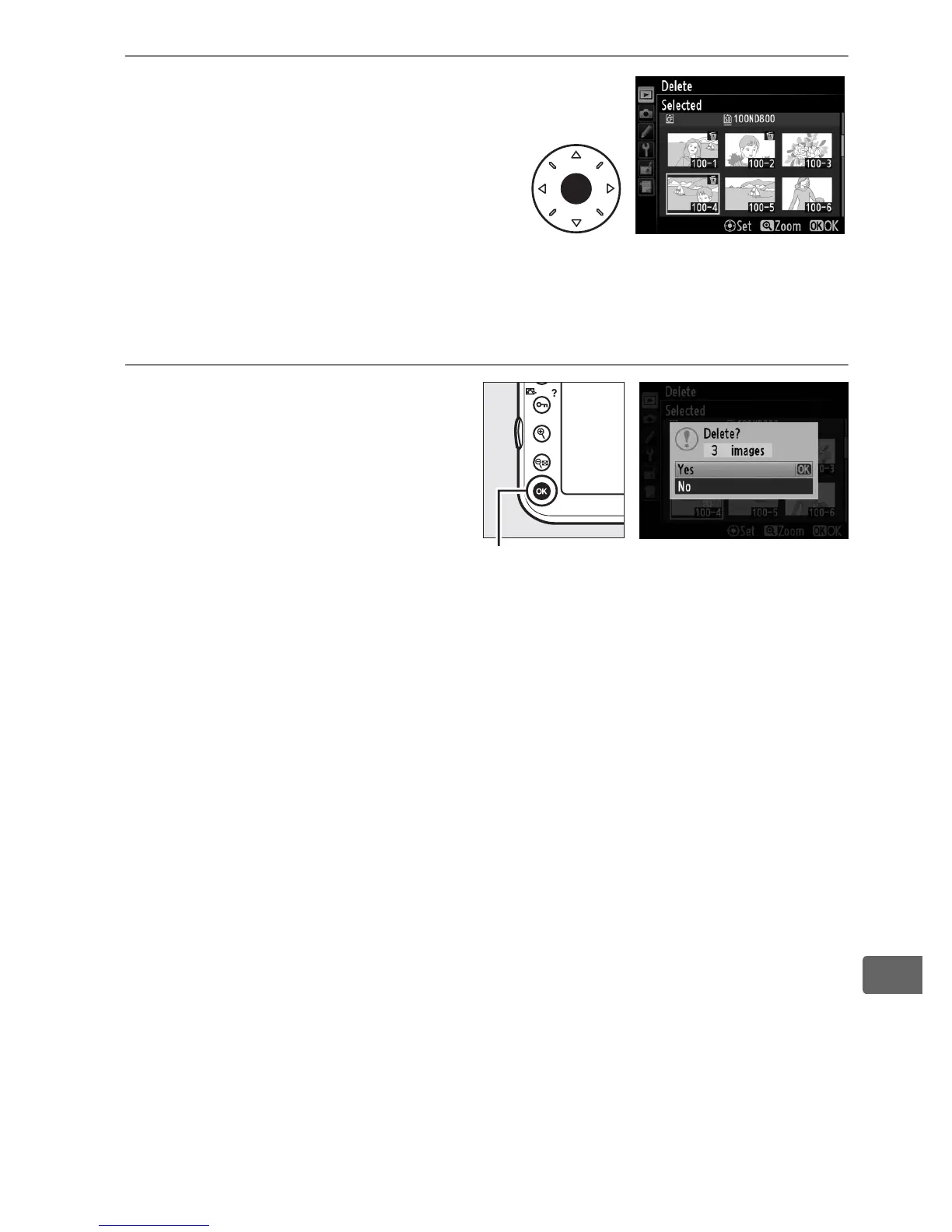
3 Select the highlighted
picture.
Press the center of the multi
selector to select the
highlighted picture.
Selected
pictures are marked by a O icon.
Repeat steps 2 and 3 to select
additional pictures; to deselect a picture, highlight it and press
the center of the multi selector.
4 Press J to complete the
operation.
A confirmation dialog will
be displayed; highlight Ye s
and press J.
J button



 To Next Page