240
Q
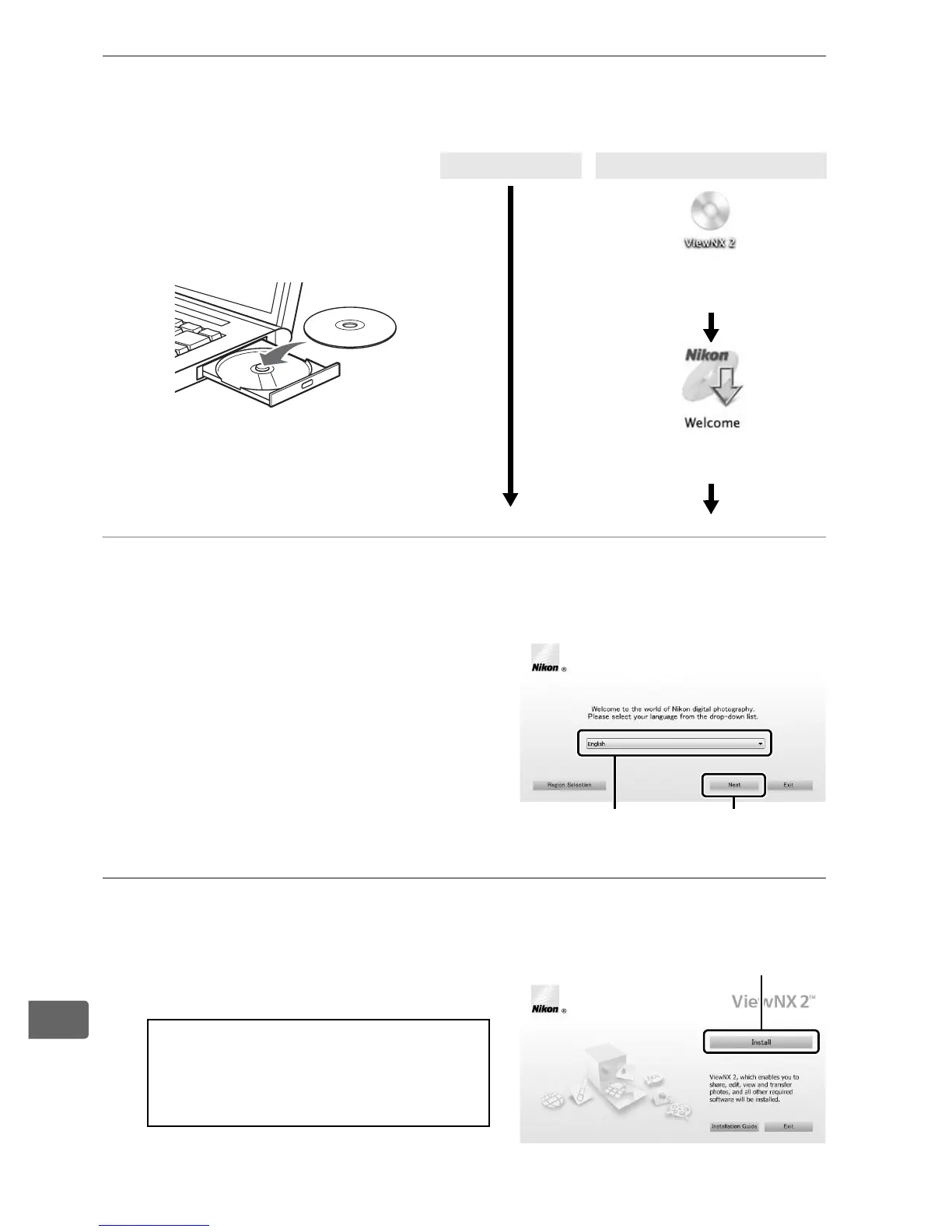
1 Start the computer and insert the ViewNX 2 installer
CD.
2 Select a language.
If the desired language is not
available, click Region Selection
to choose a different region and
then choose the desired
language (region selection is not
available in the European
release).
3 Start the installer.
Click Install and follow the on-
screen instructions.
Windows Mac OS
Double-click icon on
desktop
Double-click Welcome
icon
D Installation Guide
For help installing ViewNX 2,
click Installation Guide in Step 3.
q Select region (if required)
w Select
language
e Click Next
Click Install



 To Next Page