302
U
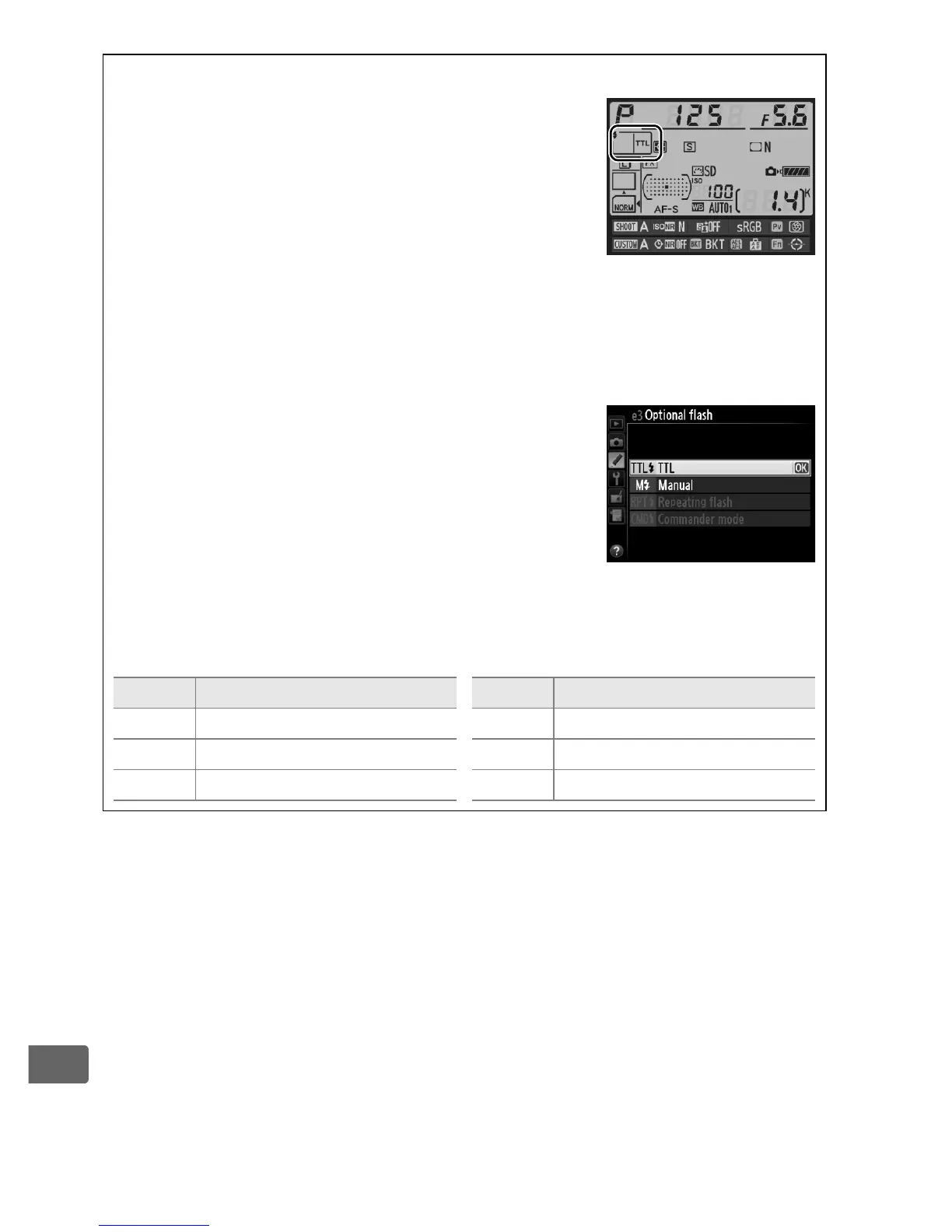
A Flash Control Mode
The flash control mode for the built-in flash is
shown in the information display.
A “Manual” and “Repeating Flash”
Y icons blink in the control panel and viewfinder when these options
are selected.
A The SB-400
When an optional SB-400 flash unit is attached
and turned on, Custom Setting e3 changes to
Optional flash, allowing the flash control mode
for the SB-400 to be selected from TTL and
Manual (Repeating flash and Commander
mode options are not available).
A “Times“
The options available for Repeating Flash > Times are determined by
flash output.
Output Options available for “Times” Output Options available for “Times”
1/4 2 1/32 2–10, 15
1/8 2–5 1/64 2–10, 15, 20, 25
1/16 2–10 1/128 2–10, 15, 20, 25, 30, 35



 To Next Page