399
n
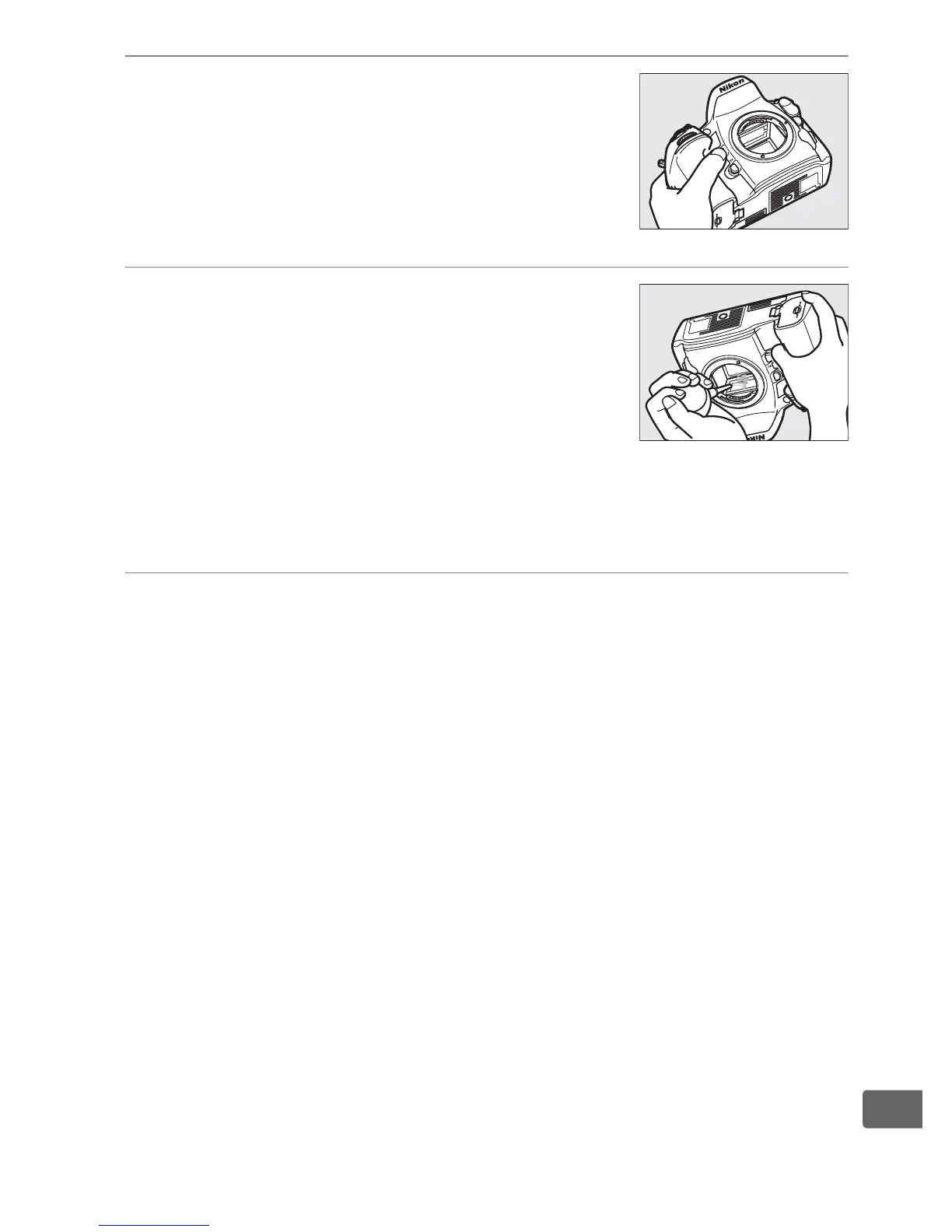
6 Examine the low-pass filter.
Holding the camera so that light falls on
the low-pass filter, examine the filter for
dust or lint.
If no foreign objects are
present, proceed to Step 8.
7 Clean the filter.
Remove any dust and lint from the filter
with a blower.
Do not use a blower-brush,
as the bristles could damage the filter.
Dirt that can not be removed with a
blower can only be removed by Nikon-authorized service
personnel.
Under no circumstances should you touch or wipe
the filter.
8 Turn the camera off.
The mirror will return to the down position and the shutter
curtain will close.
Replace the lens or body cap.



 To Next Page