157
Flash Photography
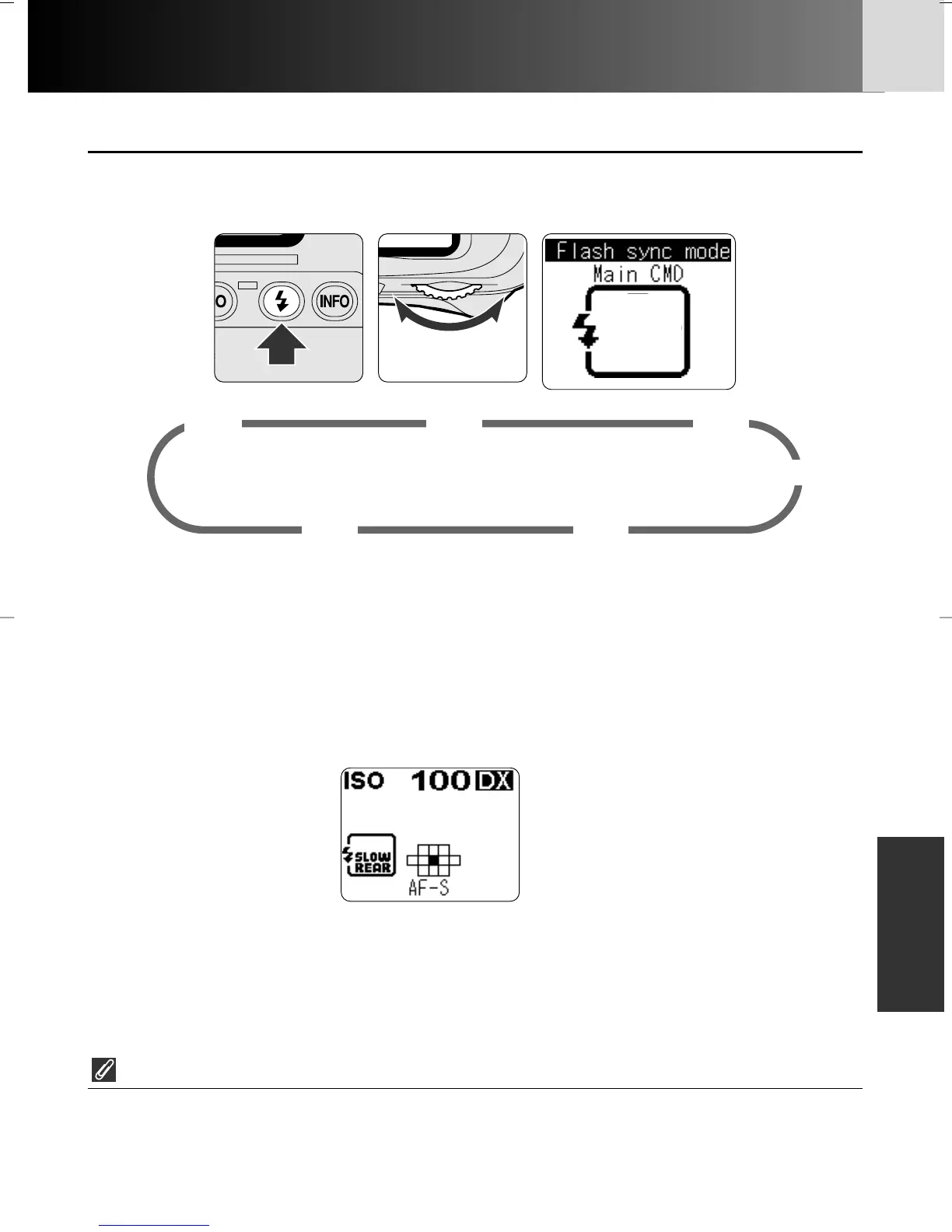
• Setting flash sync mode
Set flash sync mode by rotating the Main-Command Dial while pressing the
flash sync mode button.
*3 Flash sync mode indication is reversed if attached Speedlight is not compatible
with Red-Eye Reduction mode.
*4 Red-Eye Reduction is selected automatically in Shutter-Priority Auto or Manual
exposure mode
Studio flash system
• Rear-Curtain Sync cannot be used with a studio flash system since the correct
synchronization cannot be obtained.
*1 Front-Curtain Sync is selected automatically in Shutter-Priority Auto or Manual
exposure mode
*2 Slow Sync is set simultaneously in Programmed Auto or Aperture-Priority Auto
exposure mode. Rear-Curtain Sync with Slow Sync is indicated as below in the
rear LCD panel.
∞
¤
‹
⁄
›
Front-Curtain Sync
Normal display
Slow Sync*
1
Rear-Curtain Sync*
2
Red-Eye Reduction*
3
Red-Eye Reduction with
Slow Sync*
3,
*
4
Flash sync mode
P930_En 04.10.19 7:19 PM Page 157



 To Next Page