96
Custom Setting Menu—continued
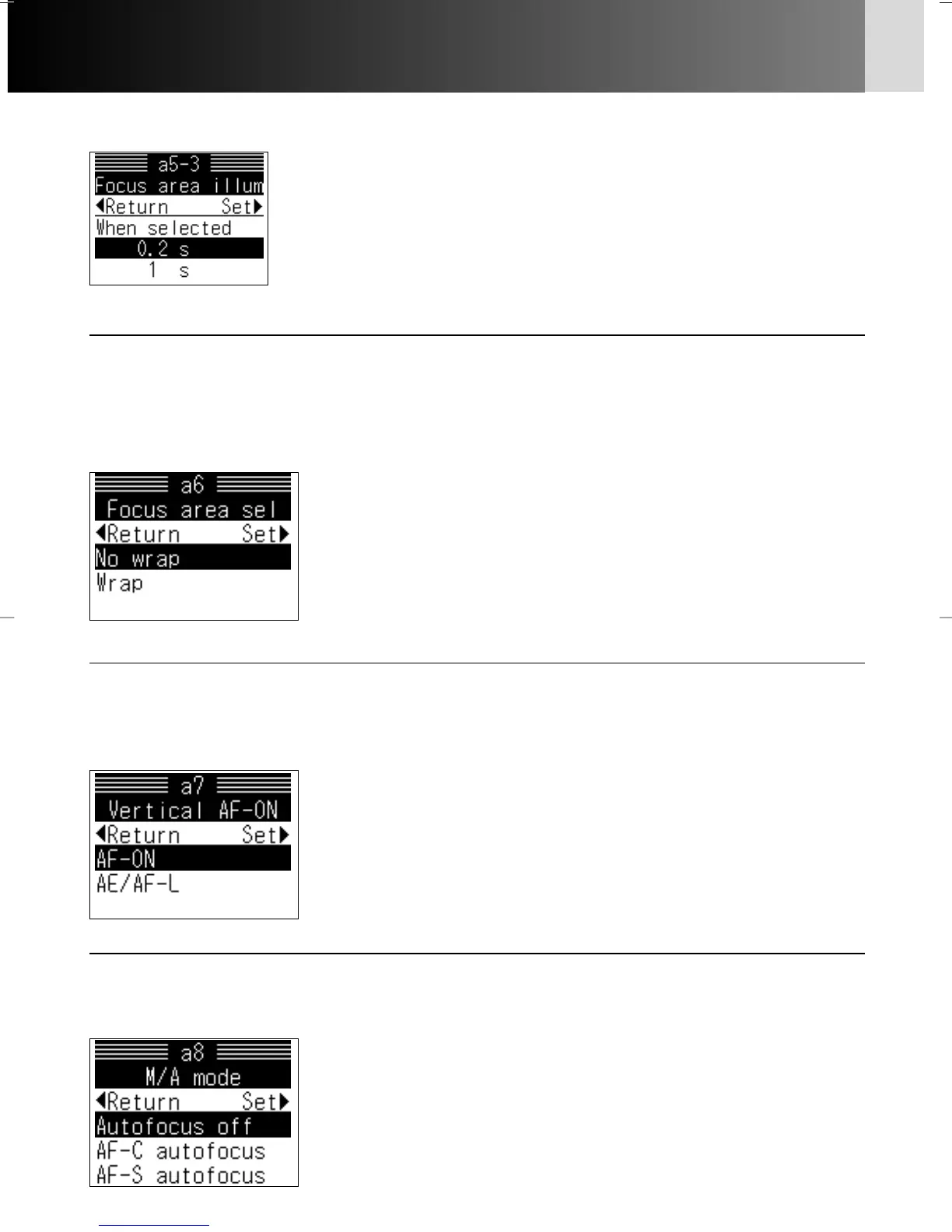
a6: Area select x 50
The focus area can be set to be changed continuously in the same direction
by pressing the same position on the multi-selector. This option enables you
to switch the focus area to the opposite direction without having to press
the opposite position on the multi-selector.
Options:
No wrap: Focus area does not change continuously in the
same direction
Wrap: Focus area changes continuously in the same
direction
a7: Vert. AF-ON x 166
The function of the AF start button for vertical shooting on Multi Power
Battery Pack MB-40 (optional) can be changed to assume the function of the
AE/AF-L button.
Options:
AF-ON: Operate as AF start button
AE/AF-L: Operate as AE/AF-L button
• Setting in Custom Setting “c2: AE-L/AF-L” (x 99)
becomes effective when “AE/AF-L” is selected.
a8: M/A mode x 61
If the AF-S lens you are using supports autofocus with manual priority (M/A),
you can choose to allow autofocus operation in Manual focus.
Options:
Autofocus off: Manual focus selected
AF-C autofocus: Autofocus possible in Continuous Servo AF
AF-S autofocus: Autofocus possible in Single Servo AF
Options:
0.2 s: Selected focus area (by multi-selector) is illuminated for
0.2 sec.
1 s: Selected focus area (by multi-selector) is illuminated for 1
sec. In autofocus operation, selected focus area continues
to blink.
a5-3: When selected
P930_En 04.10.19 7:19 PM Page 96



 To Next Page