24 25
En En
Operation and internal display
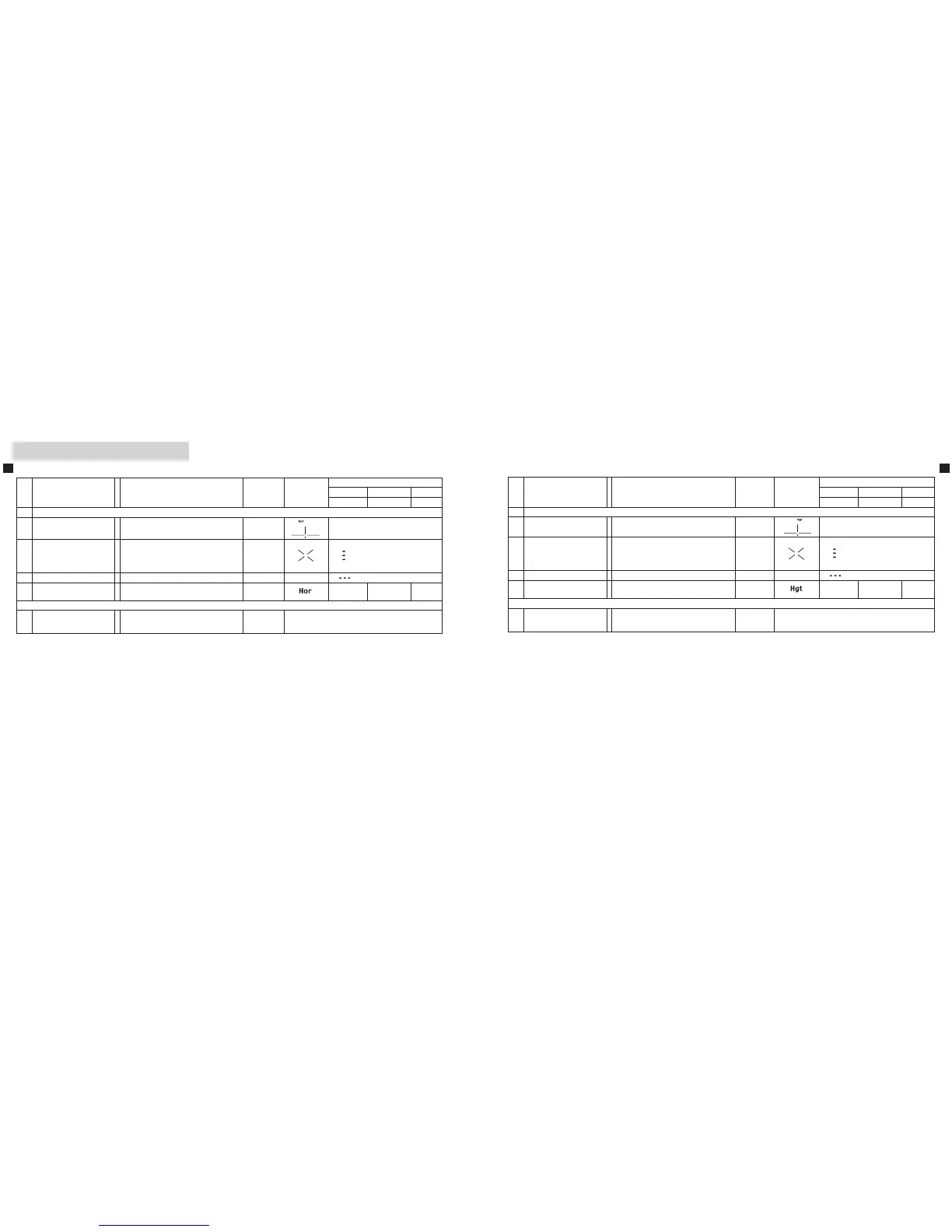
【5】 Height mode
Operation/Results Work Button Display
Display examples
meter yards feet
Elevation (˚) Depression (˚)
5 MeasurementwithHeightmode
5-1
Seeking your target
(Align the reticle with target)
Height (from horizontal)
5-2
Measurement
(Laser irradiate symbol is
displayed.)
WiththePOWERbuttondepressed,
continuous measurement is possible for
up to 20 seconds.
(Whendone,5-3displayappears.)
POWER
5-3 Failure to measure Repeat step 5-1.
5-4 MeasurementOK
Height (from horizontal)
Follow by 5-1.
45.2 49.4 148
9 Power off
Regardless of process, after 30 seconds
since your last operation, power turns off.
30 seconds
without
operation
【4】 Horizontal distance mode
Operation/Results Work Button Display
Display examples
meter yards feet
Elevation (˚) Depression (˚)
4 MeasurementwithHorizontaldistancemode
4-1
Seeking your target
(Align the reticle with target)
Horizontal distance
4-2
Measurement
(Laser irradiate symbol is
displayed.)
WiththePOWERbuttondepressed,
continuous measurement is possible for
up to 20 seconds.
(Whendone,4-3displayappears.)
POWER
4-3 Failure to measure Repeat step 4-1.
4-4 MeasurementOK
Horizontal distance
Follow by 4-1.
201 220 660
9 Power off
Regardless of process, after 30 seconds
since your last operation, power turns off.
30 seconds
without
operation











 To Next Page