7
7.1
7.2
26
Confirm
Indications
in
Viewfinder
and
Release
Shutter
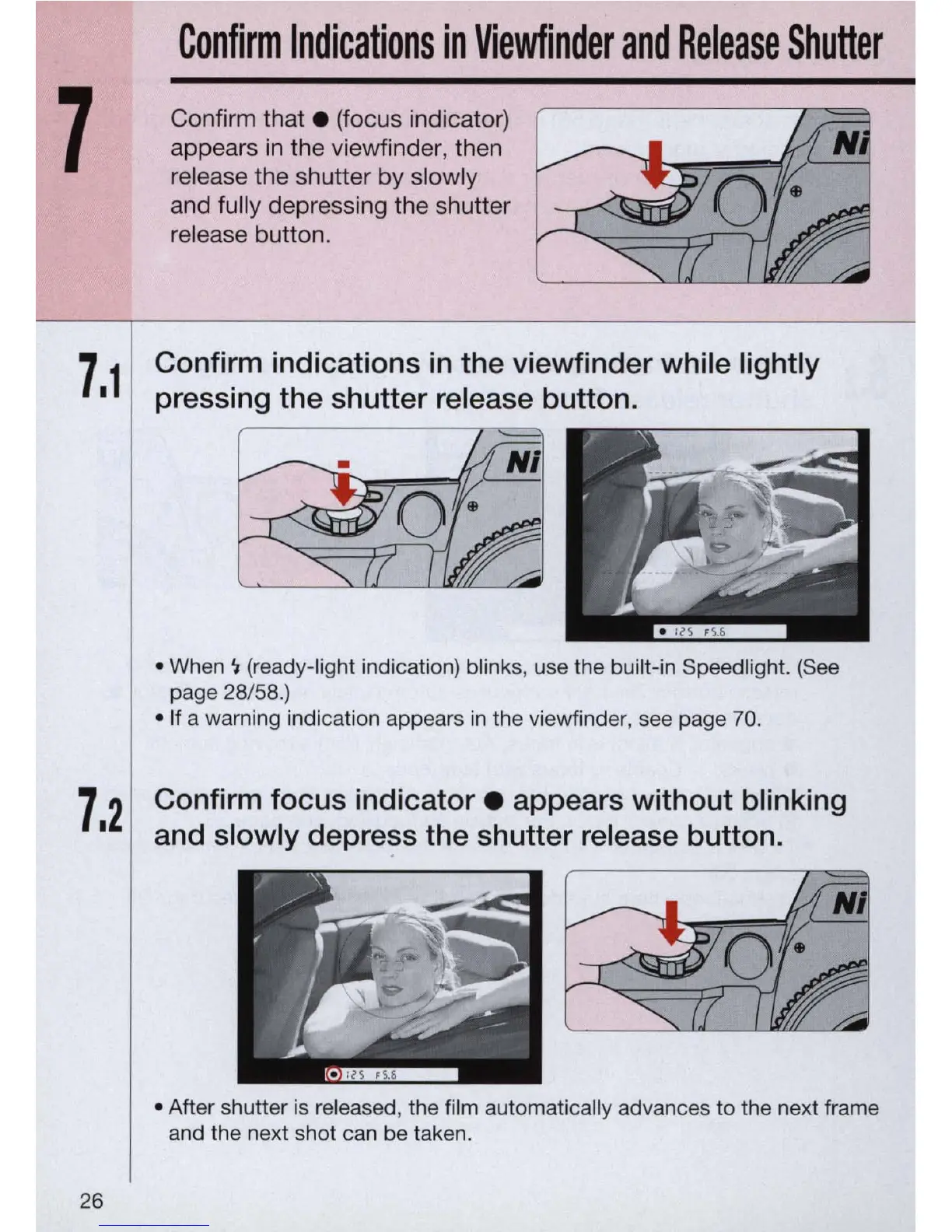
Confirm
that.
(focus indicator)
appears
in
the viewfinde
r,
then
release the shutter by slowly
and fully depressing the shutter
rel
e
as
e button.
Confirm indications
in
the viewfinder while lightly
pressing the shutter release button .
• When " (ready-light indication) blinks, use the built-in Speedlight. (See
page 28/58.)
• If a warn
in
g indication appears in the viewfinder, see page 70.
Confirm focus
indicator.
appears without blinking
and slowly
depre~s
the shutter release button .
• After shutter is released, the film automatica
ll
y advances
to
the next frame
and the next sh
ot
can be taken.



 To Next Page