Flash sync mode features
~@:
Red-Eye Reduction
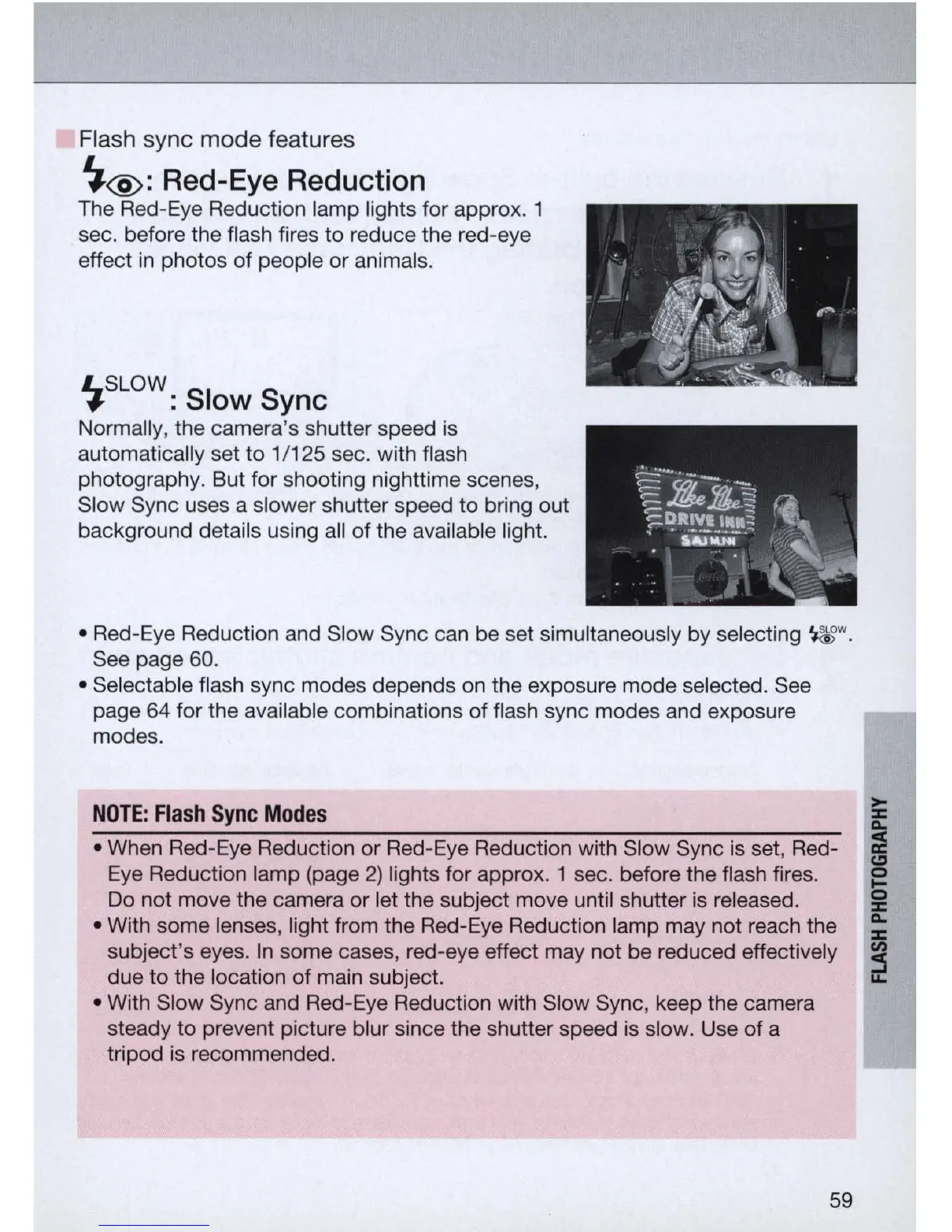
The Red-Eye Reduction lamp lights for appro
x.
1
sec. before the flash fires to reduce the red-eye
effect
in
photos
of
people or animals.
LSLOW
.,.
: Slow Sync
Normally, the camera's shutter speed is
automatically set to
1/125 sec. with flash
photography. But for shooting nighttime scenes,
Slow Sync uses a slower shutter speed to bring out
background details using all
of
the available light.
• Red-Eye Reduction and Slow Sync can be set simultaneously by selecting
~w.
See page 60 .
• Selectable flash sync modes depends on the exposure mode selected. See
page 64 for the available combinations of flash sync modes and exposure
modes.
NOTE:
Flash
Sync
Modes
• When Red-Eye Reduction or Red-
Eye
Reduction with Slow Sync is set, Red-
Eye Reduction lamp (page
2)
lights for appro
x.
1 sec. before the flash fires.
Do not move the camera or let the subject move until shutter
is
released.
• With some lenses, light from the Red-Eye Reduction lamp may not reach the
subject's eyes.
In
some cases, red-eye effect may not be reduced effectively
due
to
the location
of
main subject.
• With Slow Sync and
Red
-
Eye
Reduction with Slow Sync, keep the camera
steady to prevent picture blur since the shutter speed is slow. Use
of
a
tripod is recommended.
59



 To Next Page