Two-Button
Reset
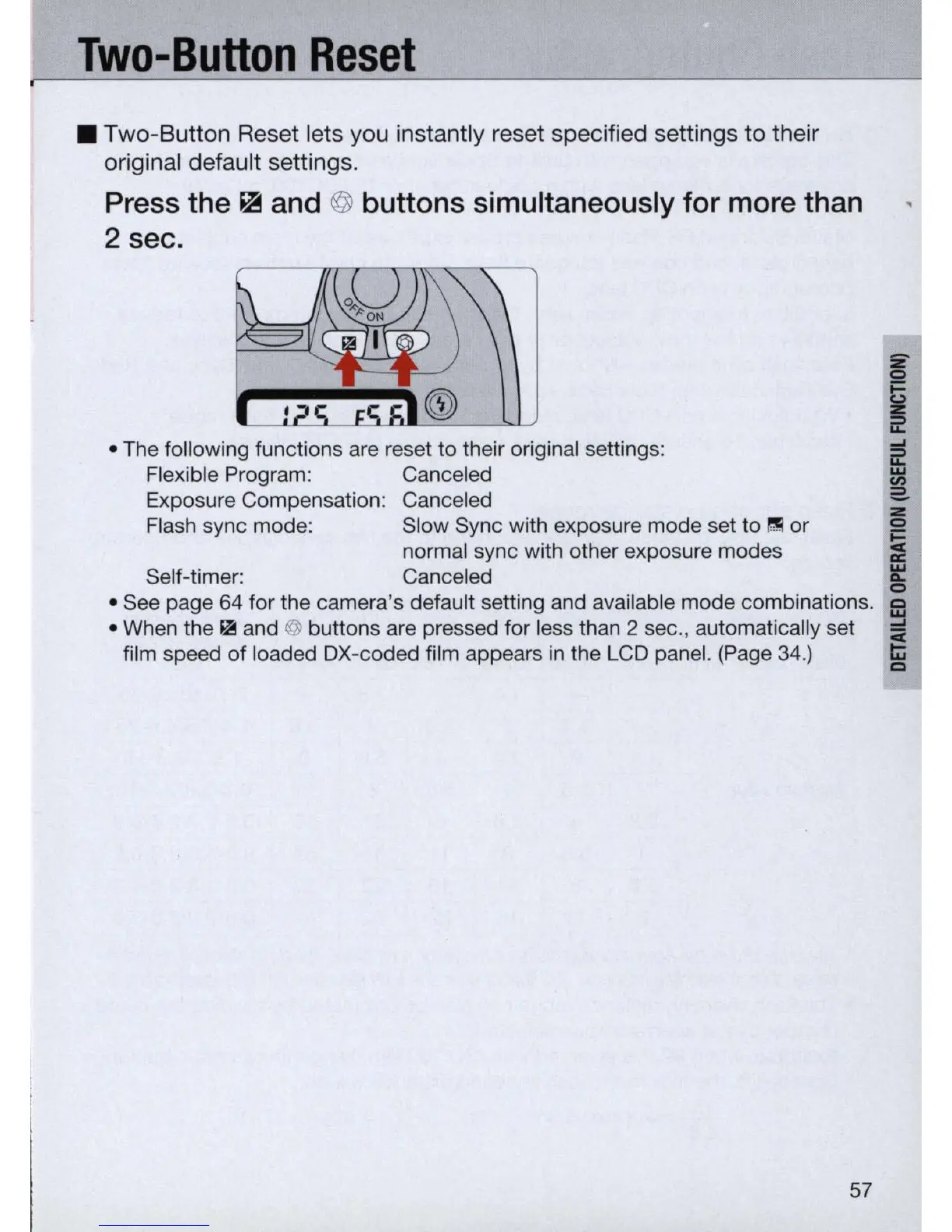
• Two-Button Reset lets you instantly reset specified settings
to
their
original default settings.
Press the ~ and @ buttons simultaneously for more than
2 sec.
• The following functions are reset to their original settings:
Flexible Program: Canceled
Exposure Compensation: Canceled
Flash sync mode: Slow Sync with exposure mode set to
I:!!I
or
Self-timer:
normal sync with other exposure modes
Canceled
z
o
~
~
.....
~
2-
z
o
~
~
o
• See page 64 for the camera's default setting and available mode combinations.
~
• When the II! and @ buttons are pressed for less than 2 sec., automatically set -
film speed
of
loaded OX-coded film appears
in
the LCD panel. (Page 34.)
~
co
57



 To Next Page