Film
34
Confirming
an
automatically set film speed
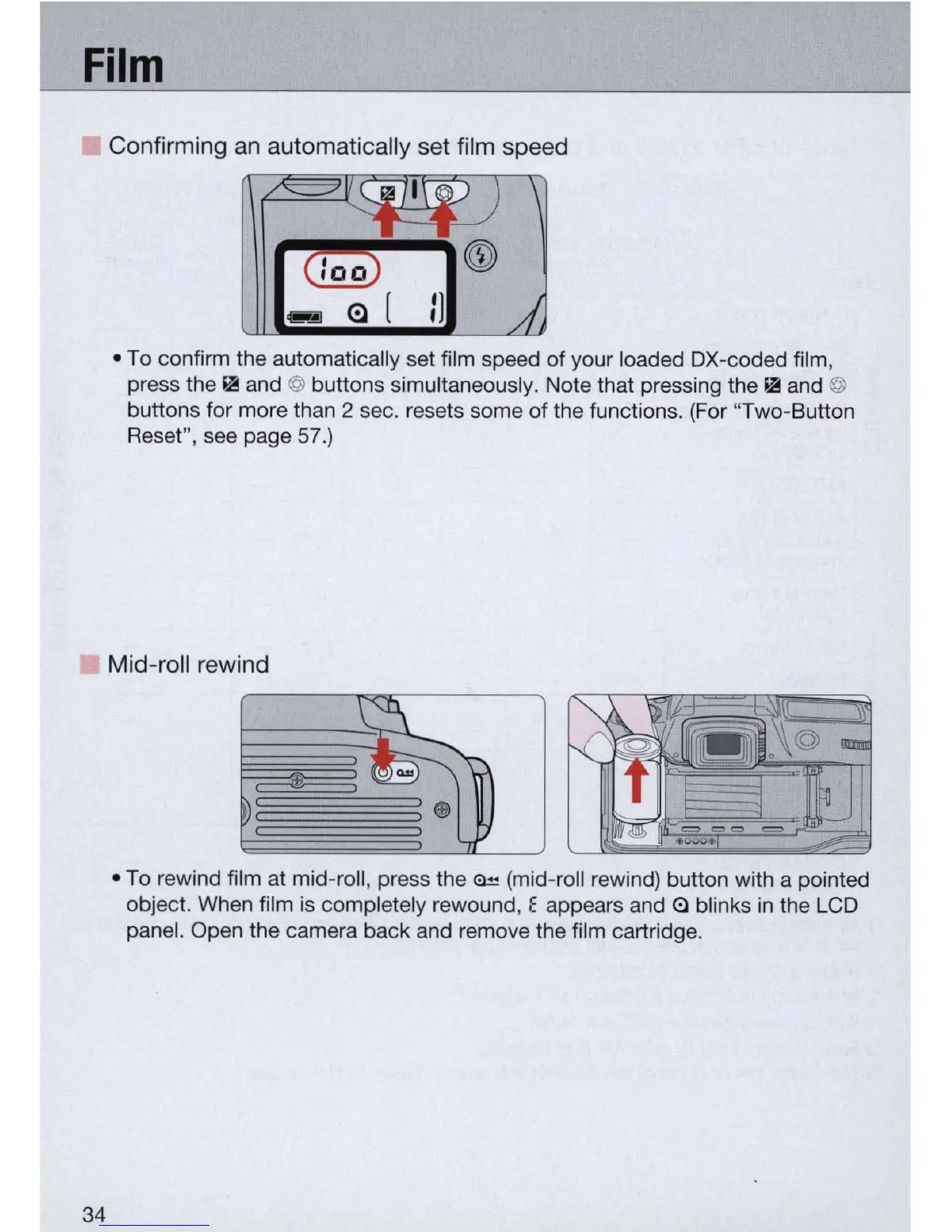
• To confirm the automatically set film speed of your loaded
OX
-coded film,
press the II! and
@ buttons simultaneously. Note that pressing the II! and @
buttons for more than 2 sec. resets some of the functions. (For "Two-Button
Reset", see page
57
.)
Mid-roll rewind
• To rewind film at mid-roll, press the = (mid-roll rewind) button with a pointed
object. When film
is
completely rewound, E appears and
(;)
blinks
in
the LCD
panel. Open the camera back and remove the film cartridge.



 To Next Page