OPERATION
IN
SHUTTER-PRIORITY AUTO EXPOSURE MODE
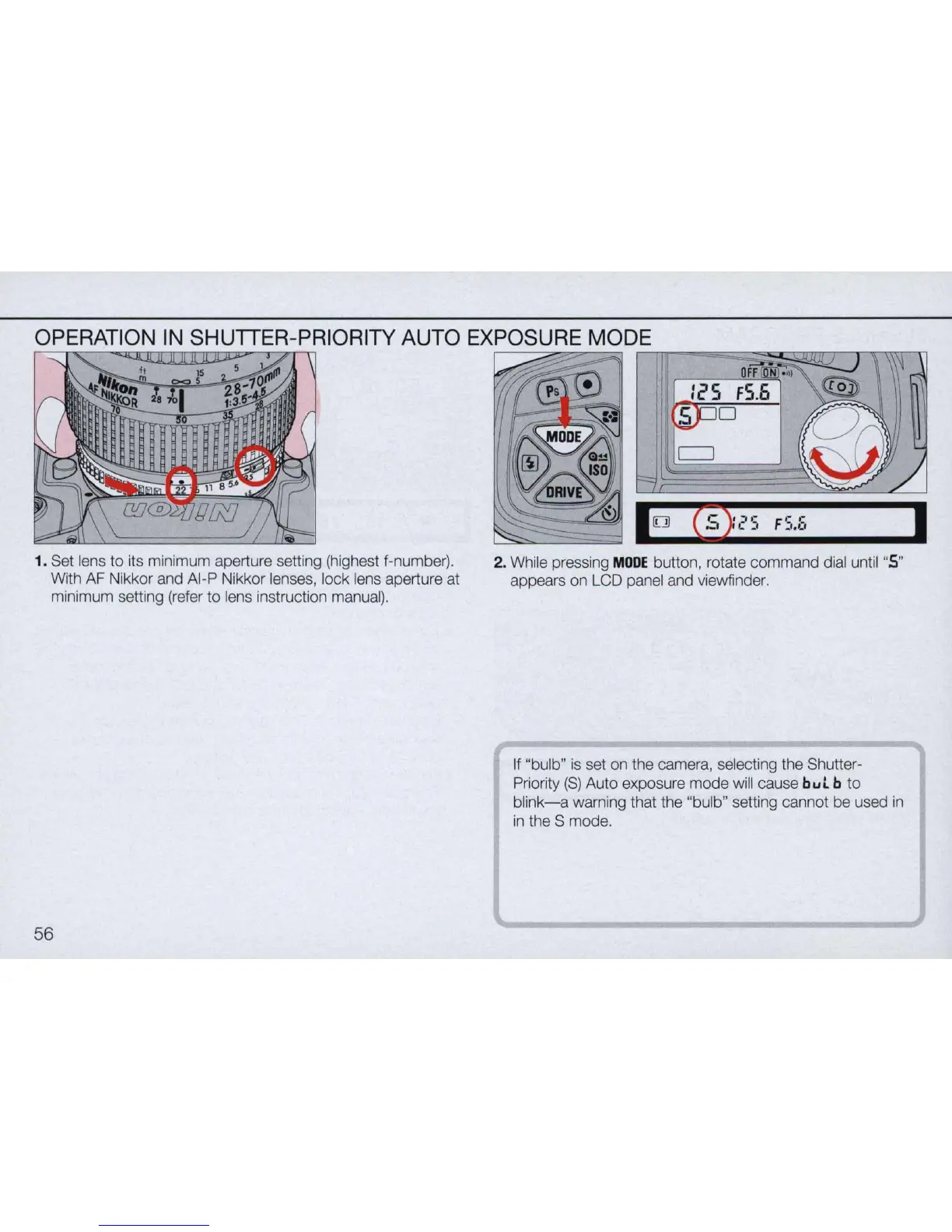
1. Set lens
to
its minimum aperture setting (highest f-number).
With AF Nikkor and AI-P Nikkor lenses, lock lens aperture at
minimum setting (refer
to
lens instruction manual).
56
nnr-=~~~TT~~
FS.S
2. While pressing
MODE
button, rotate command dial until "5"
appears on LCD panel and viewfinder.
If "bulb"
is
set on the camera, selecting the Shutter-
Priority
(S)
Auto exposure mode will cause
bul
b
to
blink-a
warning that the "bulb" setting cannot be used
in
in
the S mode.
I



 To Next Page