:J
I
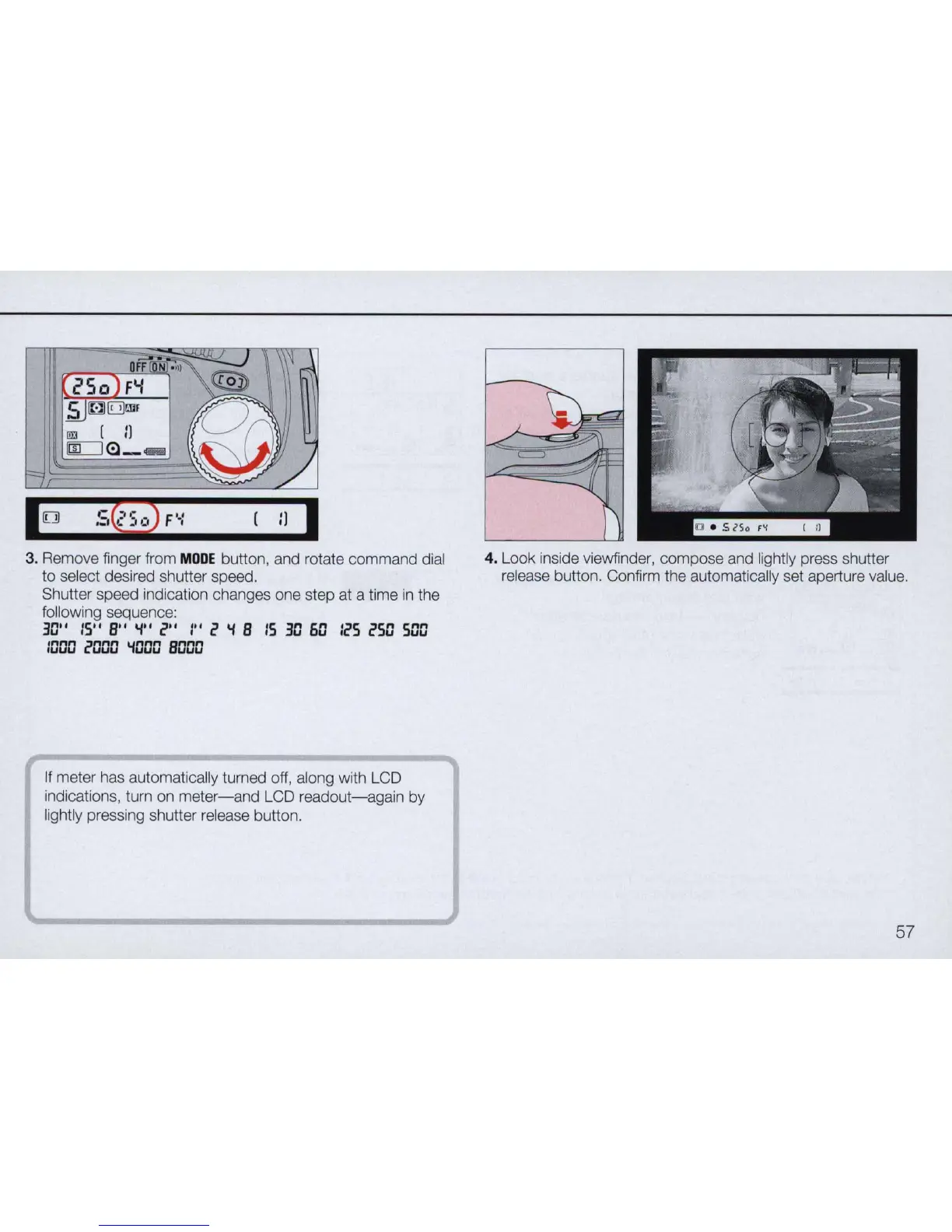
3. Remove finger from
MODE
button, and rotate command dial
to select desired shutter speed.
Shutter speed indication changes one step at a time
in
the
following sequence:
3~''
IS"
B"
'i"
COO
I" c
'i
B
IS
3D
60
IcS
cSO
SOD
1000
cOOO
'iOOO
BODO
If meter has automatically turned off, along with LCD
indications, turn on
meter-and
LCD
readout-again
by
lightly pressing shutter release button.
4. Look inside viewfinder, compose and lightly press shutter
release button. Confirm the automatically set aperture value.
57



 To Next Page