EasyManua.ls Logo

Nikon PRONEA S - Page 36

Nikon PRONEA S
44 pages
Print Icon
To Next Page IconTo Next Page
To Previous Page IconTo Previous Page
Loading...
.
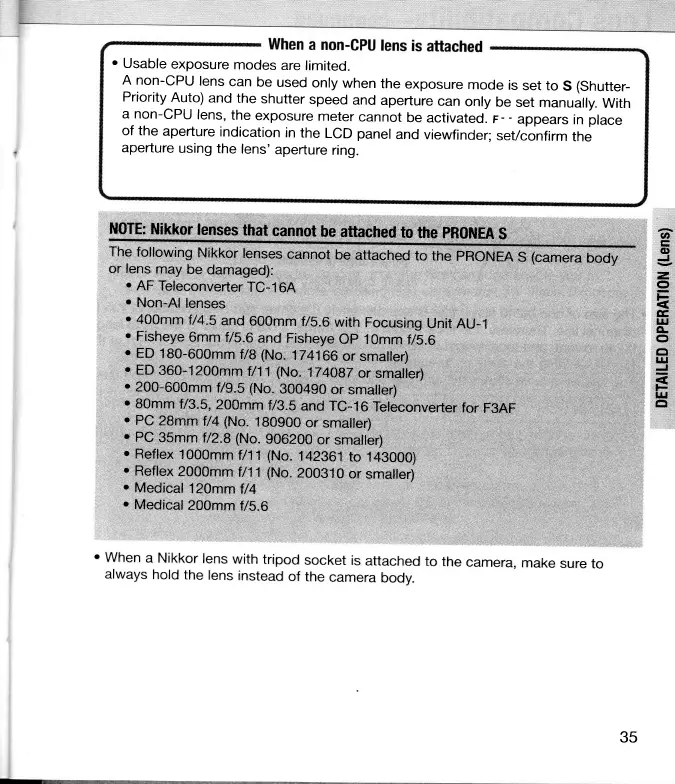
Usable
exposure
modes
are
limited.
A non-CPU
lens
can
be
used
only
when
the
exposure
mode
is
set to
S
(Shutter-
Priority
Auto)
and the
shutter
speed
and
aperture
can
only
be
set
manually.
With
a non-CPU
lens,
the
exposure
meter
cannot
be
activated.
r-
-
appears
in
place
of the
aperture
indication
in
the
LCD
panel
and
viewfinder;
seVconfirm
the
aperture
using
the
lens'
aperture
ring.
ilOTE:
trlikkor
lenses
that
cannot
be attached
to
the
pR0ilfEA
s
The
following
Nikkor
lenses
cannot
be
attached
to
the
PRONEA
S
(camera
body
or fens
may
be
damaged):
.
AF
Tefeconverter
TC-16A
r
Non-Al
lenses
'
400mm
f
/4.s
and
600mm
f/5.6
with
Focusing
unit
AU-1
.
Fisheye
6mm
f/S.6
and
Fisheye
Op 1Omm
t/5.6
.
ED
180-600mm
f/8
(No.
174166
or
smaller)
.
ED
360-1200mm
fl11 (No.
fi41g7
or
smaller)
r
200-600mm
'Ug-|
(No.
3004g0
or
smaller)
.
80mm
f/3.5,200mm
t/g.s
and
rc-16
Teleconverter
for
F3AF
.
PC
28mm
f/4
{No.
180900
or
smaller)
,
PC
35mm
f
/Z.B (No.
g062AO
or
smaller)
.
Reflex
1
000mm
f/1
1
(No.
142961
to 1 43000)
.
Reflex
2000mm
f/11
(No.
2AAS10
or
smalfer)
'
Medical
12}mm
f/4
'
Medical
200mm
tl\.6
'When
a Nikkor
lens
with
tripod
socket
is
attached
to
the
camera,
make
sure
to
always
hold
the
lens
instead
of
the
camera
body.
(t,
@
J
z,
o
l-
E,
|rl
4-
o
ct
ut
J
S
i-
]u
tt
35

Related product manuals