taken
will
be
slightly
underexposed
.
To
prevent
this,
open
up
the
lens
by
a
half-stop
more,
or
shoot
several
second
s
after
the
lam
plights
up
.
However,
perfect
exposures
can
be
made
at
all
times
in
automatic
exposure
operation,
except
for
the
furthest
distance
range.
Ready-Light
in
the
FE
Camera Finder
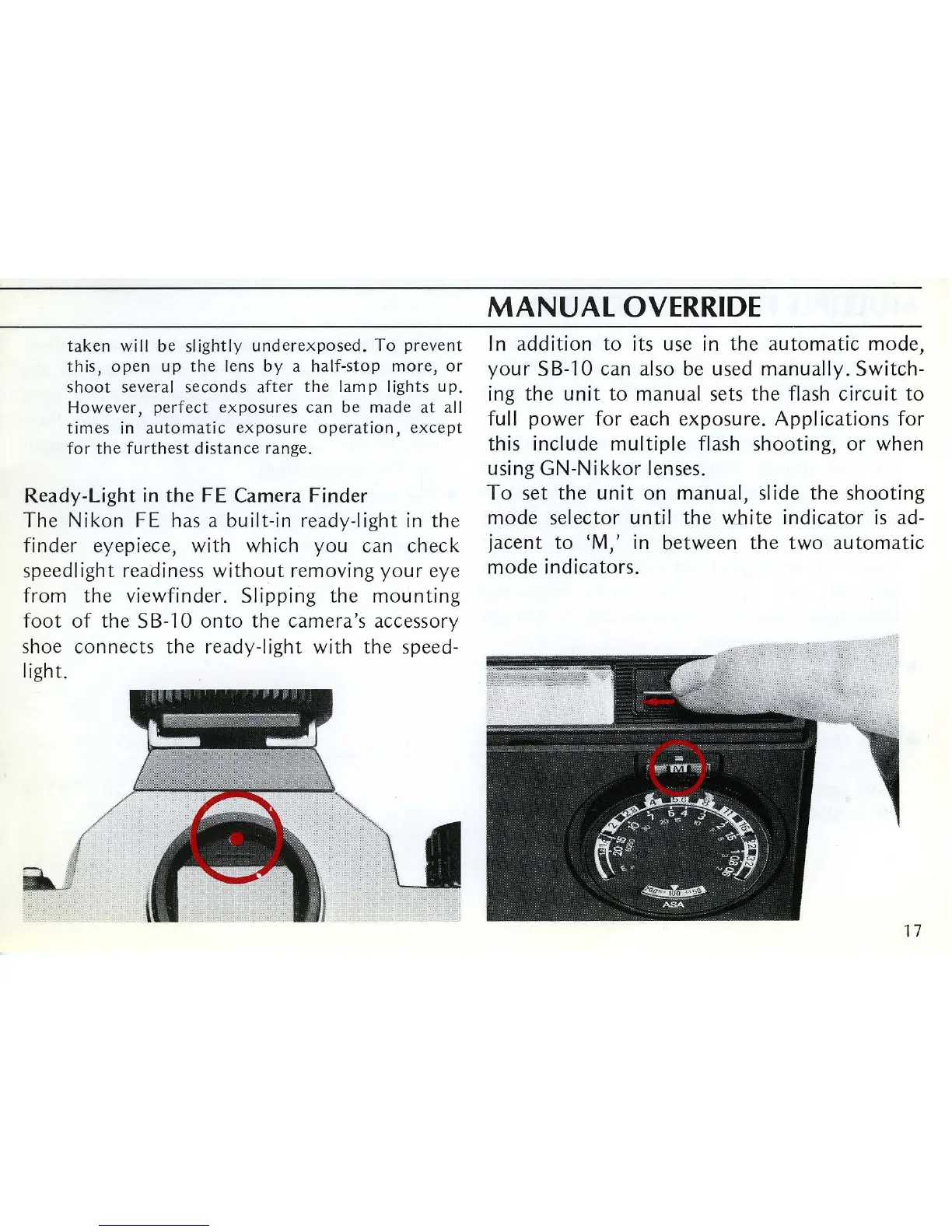
The Nikon
FE
has a built-in ready-light
in
the
finder eyepiece, with which you can check
speedlight r
ea
diness
without
removing your eye
from the viewfinder. Slipping the mounting
foot
of
the
SB-1
0
onto
the camera's accessory
shoe connects the ready-light with the speed-
light.
MANUAL
OVERRIDE
In
addition
to
its use
in
the automatic mode,
your SB-lO can also
be
used manually. Switch-
ing
the unit to manual sets the flash circuit
to
full power for each exposure. Applications for
this include mUltiple flash shooting, or when
using GN-Nikkor lenses.
To
set the unit on manual, slide the shooting
mode selector until the white indicator
is
ad-
jacent to 'M,'
in
between the two automatic
mode indicators.
17












 To Next Page