EasyManua.ls Logo

Nikon SB-910 - User Manual

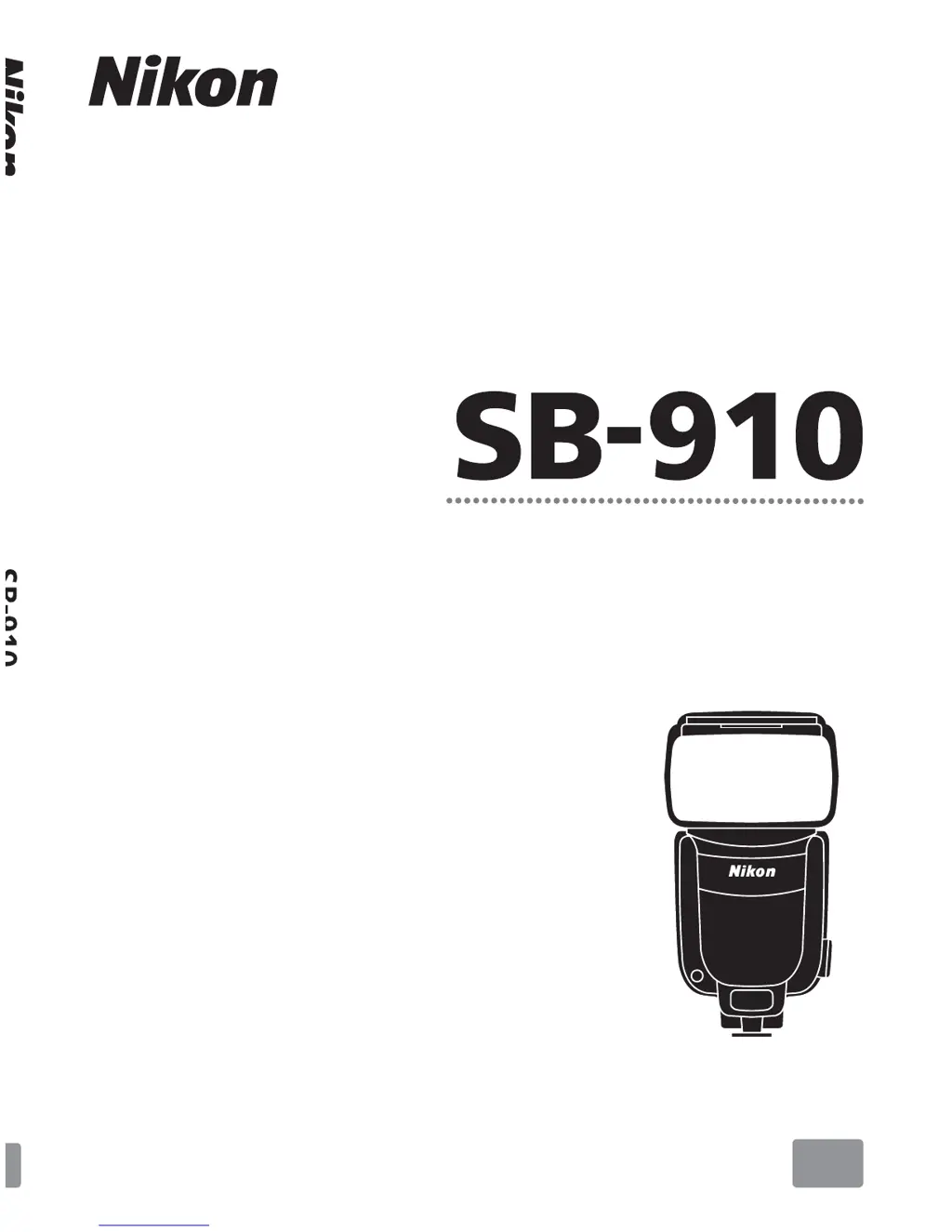
Nikon SB-910
136 pages
Print Icon
To Next Page IconTo Next Page
Loading...
User’s Manual
Autofocus Speedlight
En
En

Table of Contents

Questions and Answers

  • D
    Destiny AnthonyJul 25, 2025
    How to fix Nikon SB-910 Camera Flash zoom head position not set automatically?
    • P
      Philip Frey DDSJul 26, 2025
      The zoom head position may not be set automatically because the built-in wide panel is in use, or the Nikon Diffusion Dome is attached, or the power zoom function is canceled. Here's what you can do: * Remove the built-in wide panel or the Nikon Diffusion Dome. * Allow the zoom head position to be manually set in the custom settings. * Activate the power zoom function.
  • R
    Raymond GuerraAug 11, 2025
    Why effective flash output distance range does not appear on Nikon Camera Flash?
    • C
      christinakempAug 11, 2025
      If the effective flash output distance range does not appear on your Nikon Camera Flash, the flash head may not be set to the forward-facing position, aperture and ISO sensitivity information has not been received from the camera, or the SB-910 cannot receive focal length information from the camera. Here's what you can do: * Set the flash head to the forward-facing position. * Check camera settings. * Detach and reattach the SB-910 to the camera. * Turn the SB-910 and camera off, and then turn them on again.

Summary

Preparation

For Your Safety

Important safety precautions and warnings for using the Speedlight.

Operation

Speedlight Parts

Identifies and describes the various physical components of the SB-910 Speedlight.

Basic Operations

Covers fundamental procedures for using the Speedlight, including battery insertion.

Flash Modes

i-TTL Mode

Explains the i-TTL (Through-The-Lens) flash metering mode for automatic exposure.

Manual Flash Mode

Covers manual selection of aperture and flash output level for precise control.

Wireless Multiple Flash-unit Photography

SB-910 Wireless Multiple Flash-unit Photography Setup

Outlines the setup procedures for using multiple SB-910 units wirelessly.

Advanced Wireless Lighting

Explains the Advanced Wireless Lighting system for advanced multi-flash setups.

SU-4 type wireless multiple flash-unit photography

Details the SU-4 type wireless flash photography, suitable for fast-moving subjects.

Functions

Bounce Flash Operation

Techniques for bouncing flash off surfaces to create softer lighting effects.

Tips on Speedlight Care and Reference Information

Troubleshooting

Provides solutions for common problems and warning indicators encountered with the SB-910.

Specifications

Technical specifications of the SB-910, including dimensions, weight, and performance data.

Nikon SB-910 Specifications

General IconGeneral
TypeCamcorder flash
Product colorBlack
Shooting distance0.6 - 20 m
Approximate recycling time880 s
Camera brands compatibilityNikon
Brand specific flash systemsi-TTL(Nikon)
Guide number (ISO 100, set at 35mm zoom)34 m
Battery typeAA
Weight and Dimensions IconWeight and Dimensions
Weight510 g
Dimensions (WxDxH)78.5 x 113 x 145 mm

Related product manuals