E–22
E
Functions
Flash Photography Support Functions
SU-4 type wireless multiple fl ash-unit photography ■ (0D-12)
When the camera’s depth-of-field preview button is pressed, only the master flash •
unit fires as the modeling illuminator.
The remote flash units also fire according to the modeling illumination of the •
master flash unit, but these are not modeling illuminations.
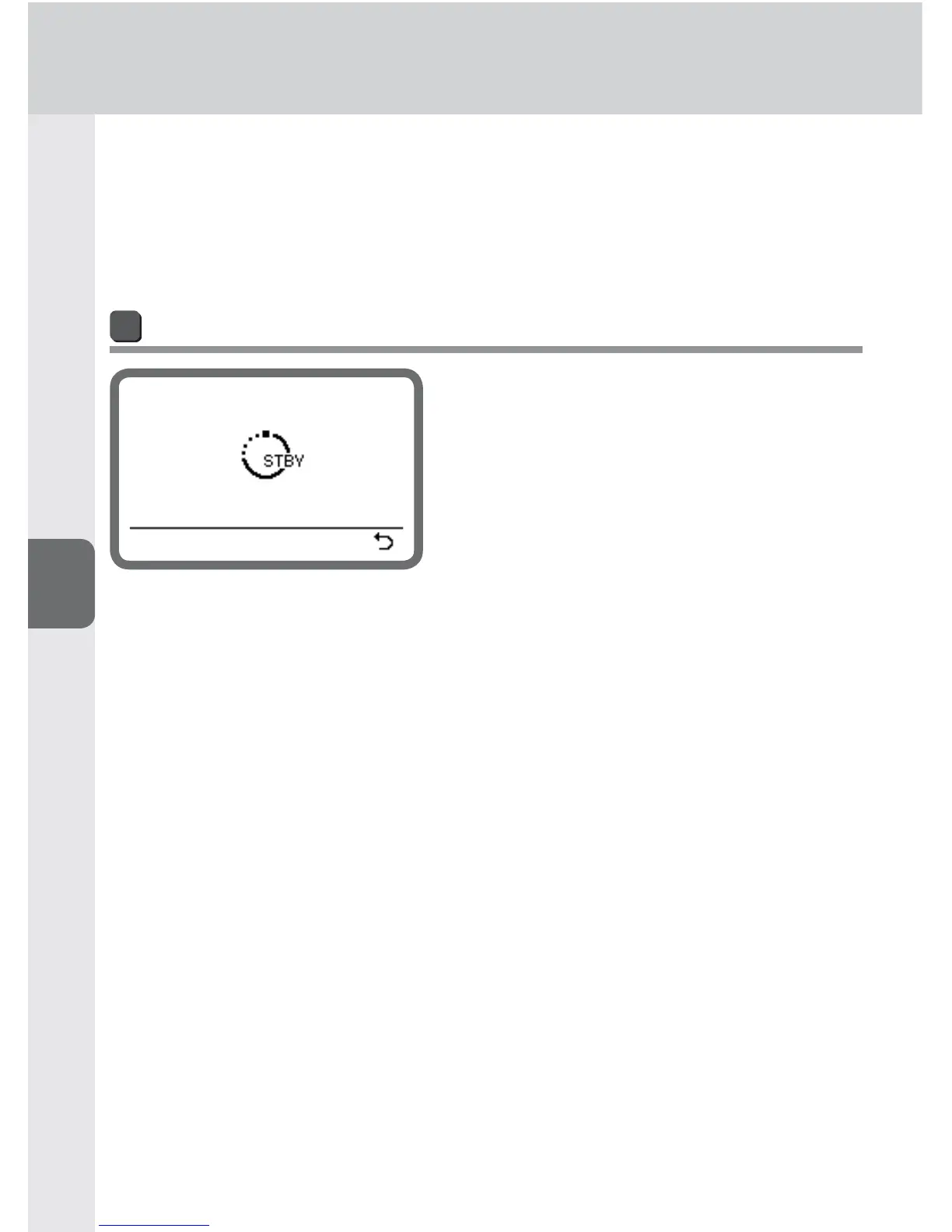
Standby function
If the SB-910 and camera are not used for
a specifi ed time, the standby function is
automatically activated to conserve battery
power.
The standby function is activated when •
the camera’s exposure meter is turned off
(default setting).
The standby activation lead time can be •
adjusted with the custom settings (0B-18).
To cancel standby
Press the camera’s shutter-release button halfway. •
Turn the power switch/wireless mode switch for multiple flash units to [OFF], and •
then turn to [ON], [REMOTE] or [MASTER].
Press the test firing button. •



 To Next Page