B–12
B
Operation
Settings and the LCD
Icons on the LCD show the status of settings. Displayed icons vary according to
selected fl ash modes and settings.
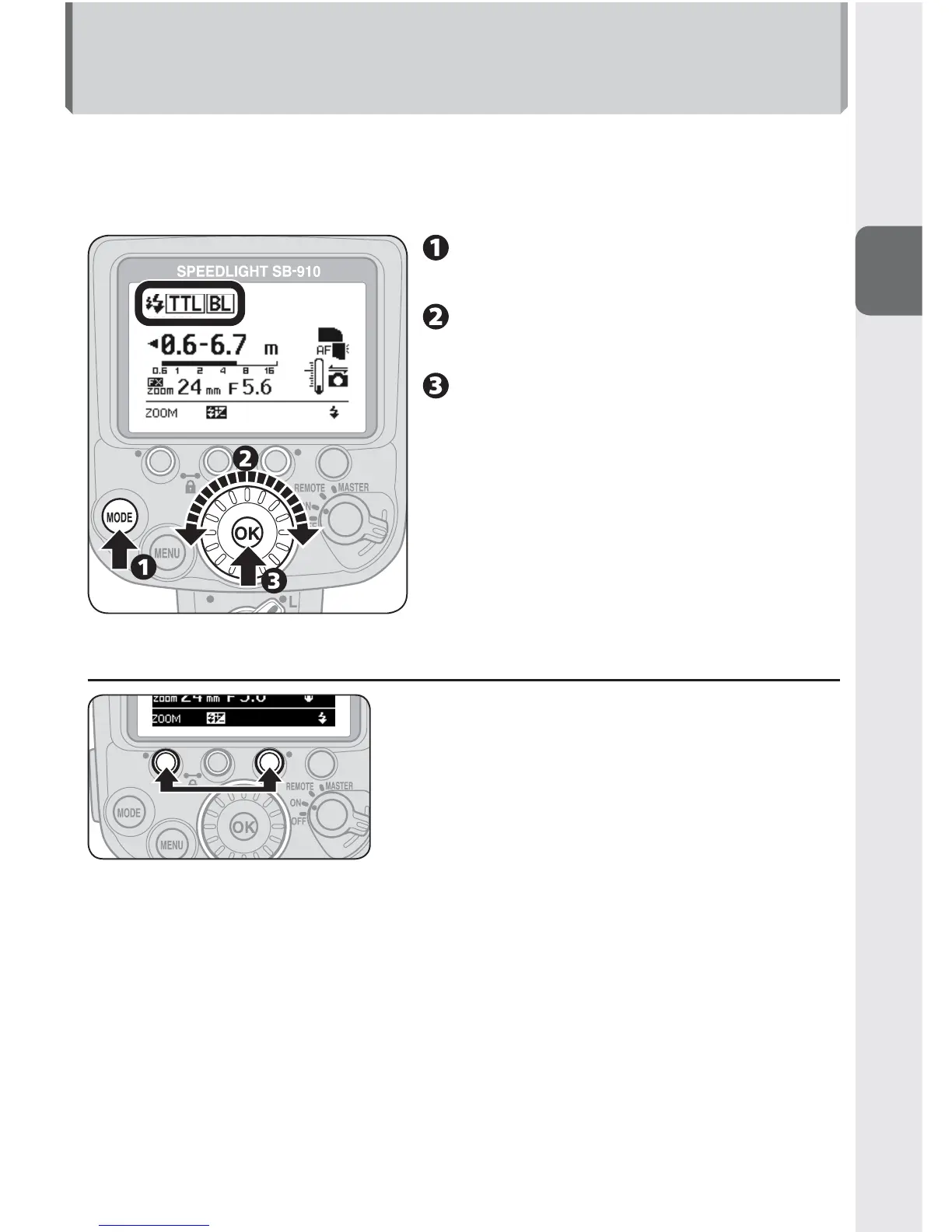
The basic control of SB-910 functions is as follows:•
Press a button to highlight the
selected item.
Change the setting by rotating
the selector dial.
Press the [OK] button to
confi rm setting.
Once confirmed, the • highlighted item
returns to normal display.
If the [OK] button is not pressed, •
the highlighted item is confirmed
and returns to normal display after
8 seconds.
t Two-button reset
Press function buttons 1 and 3 (a green dot is
printed by each button) simultaneously for
2 seconds to reset all settings except custom
settings to default.
When the reset completes, the LCD is •
highlighted and then returns to normal display.



 To Next Page