C–16
C
Flash Modes
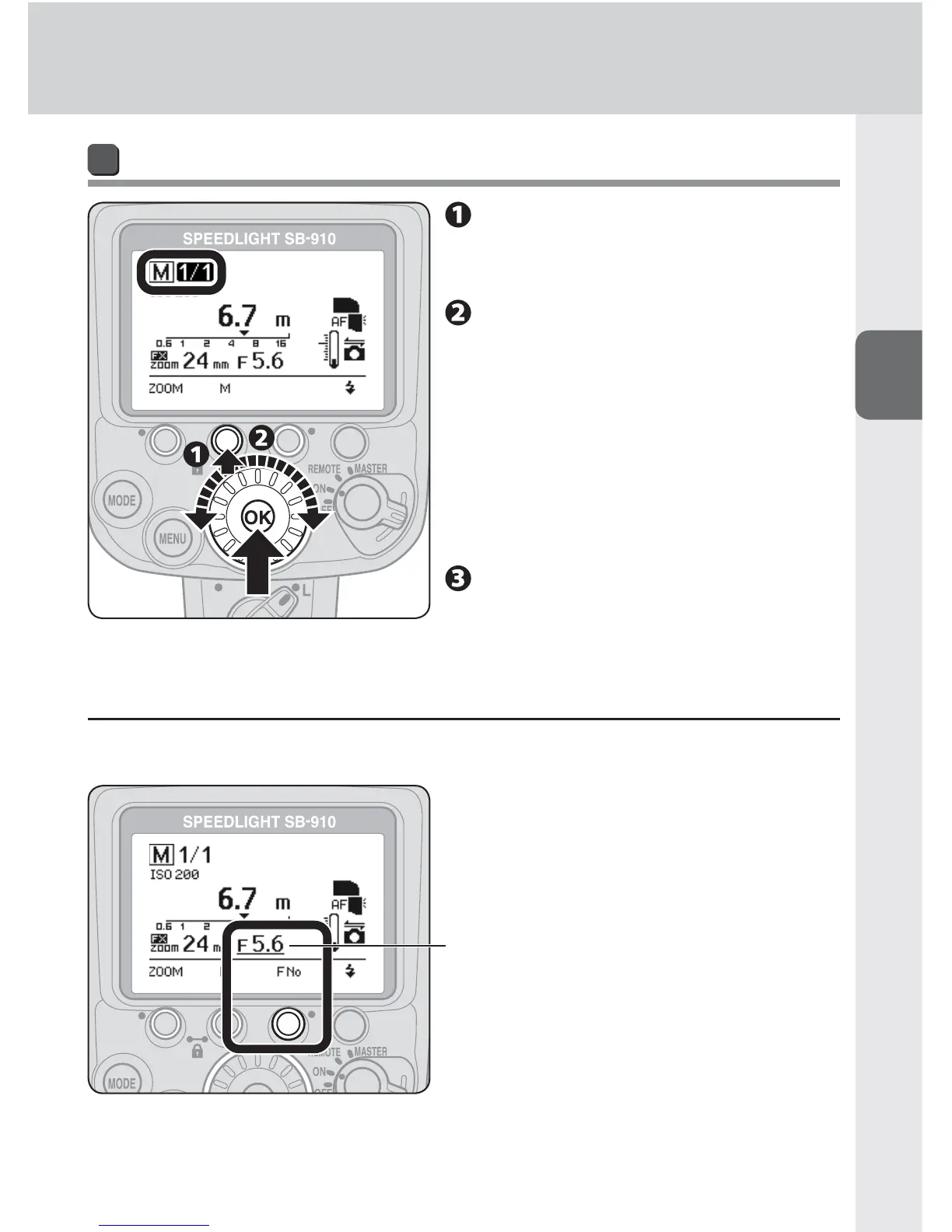
Taking a picture in manual flash mode
Press function button 2 to
highlight the fl ash output
level.
Set the fl ash output level
by rotating the selector dial,
and then press the [OK]
button.
Flash output level can be set with •
function button 2 as well.
Make the flash-to-subject distance •
equal to the effective flash output
distance indicated.
Confi rm the fl ash-ready
indicator is on, and then
shoot.
t When no lens aperture information is transmitted
When lens aperture information is not transmitted to the SB-910, aperture can be
set with function button 3.
Aperture; underlined when
aperture is set on the SB-910



 To Next Page