B–13
B
Operation
Custom Functions and Settings
Various operations for the SB-910 can be easily set using the LCD.
Displayed icons vary according to the combination of camera and status of the •
SB-910.
Functions and settings indicated with grid boxes do not function even though •
they can be configured and set.
Custom settings
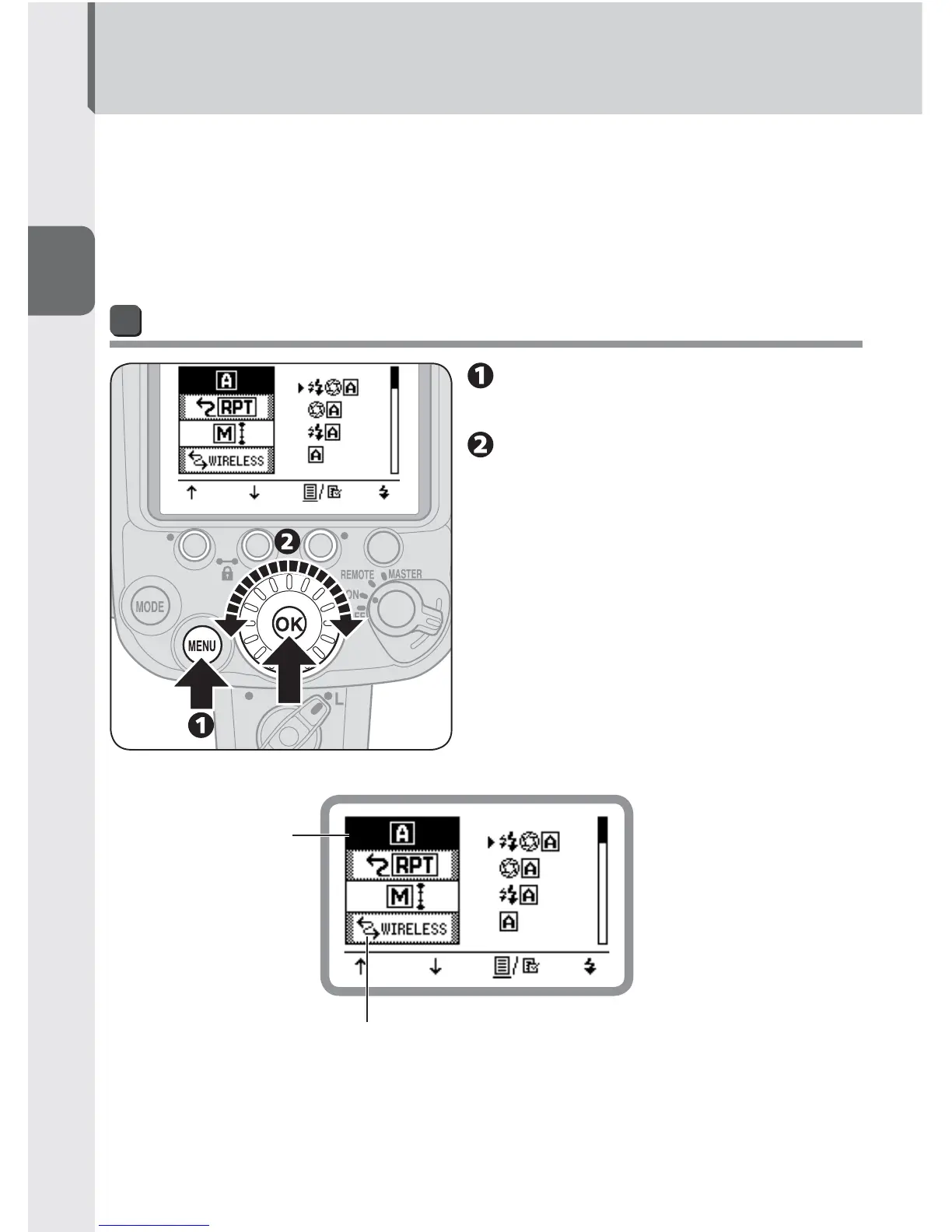
Press the [MENU] button to
display the custom settings.
Rotate the selector dial to
choose an item, and then
press the [OK] button.
The highlighted item can be •
configured.
Item being confi gured
Items indicated with grid boxes can be confi gured but
do not effect fl ash operation.



 To Next Page