B–14
B
Operation
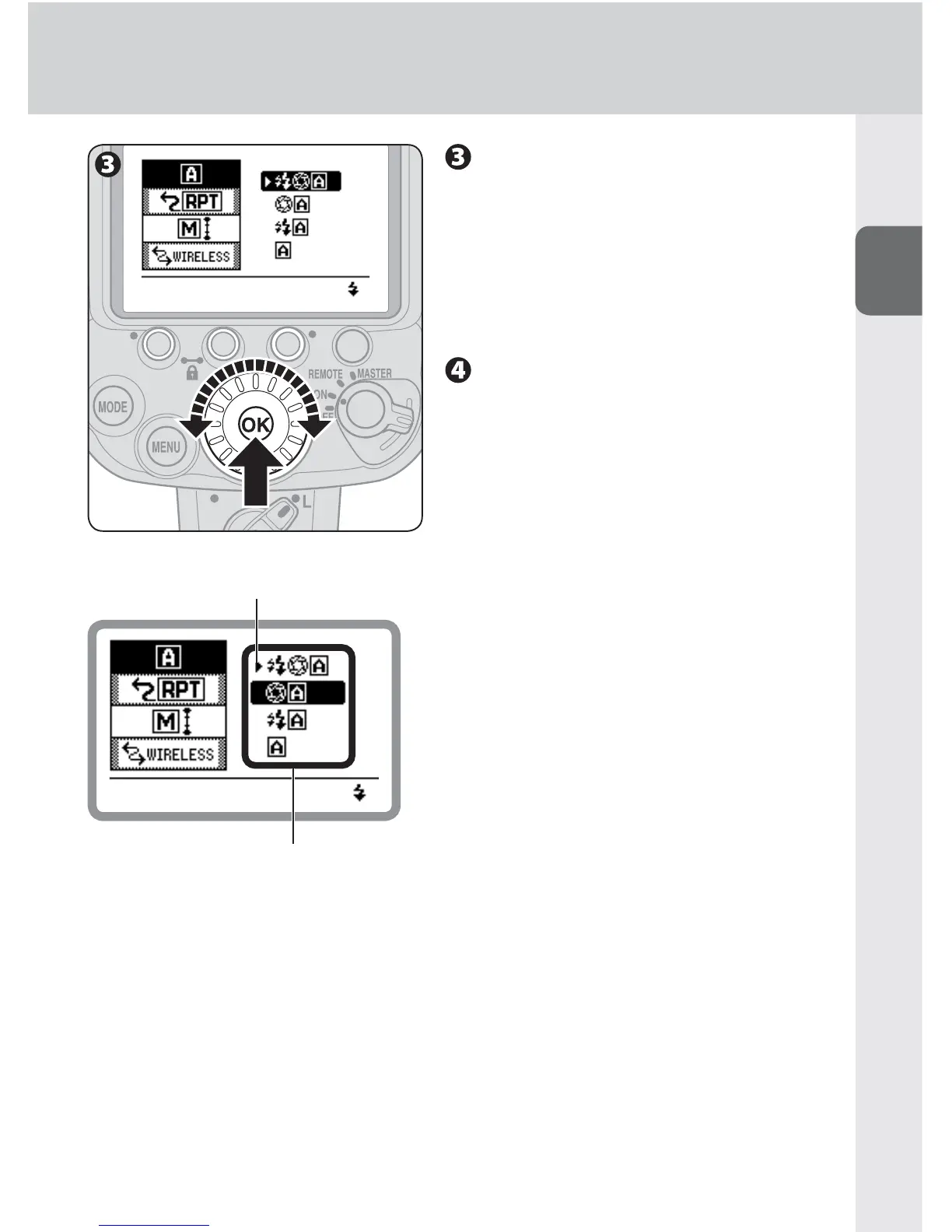
Rotate the selector dial to
highlight the chosen setting,
and then press the [OK]
button.
Highlighted while selected•
Press the [OK] button to return display •
to item selection.
Press the [MENU] button to
return to normal display.
The LCD returns to normal display.•
Available selection
º: Current setting



 To Next Page