B–11
B
Operation
Basic Operations
STEP
5
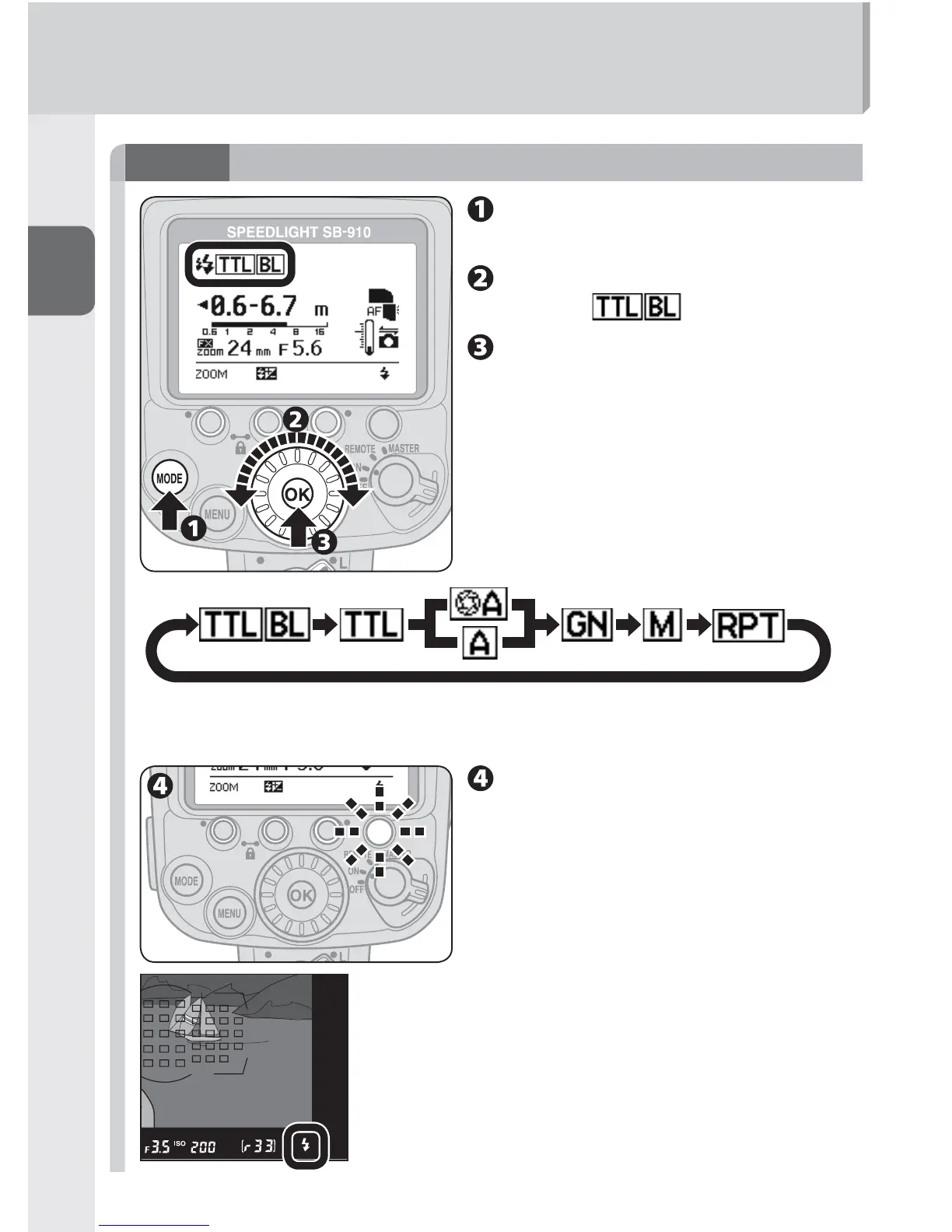
Selecting the flash mode
Press the [MODE] button to
highlight the fl ash mode.
Rotate the selector dial to
display .
Press the [OK] button.
Changing the fl ash mode
Rotate the selector dial clockwise to display
icons of available fl ash mode on the LCD.
Only available flash modes are displayed on the LCD.•
The flash mode can also be selected with the [MODE] button.•
Make sure that the fl ash-
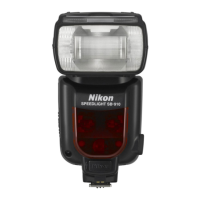
ready indicator on the SB-910
or in the camera’s viewfi nder
is on before taking a picture.


 To Next Page