B–10
B
Operation
STEP
4
Turning the SB-910 and camera on
Turn the SB-910 and the
camera body on.
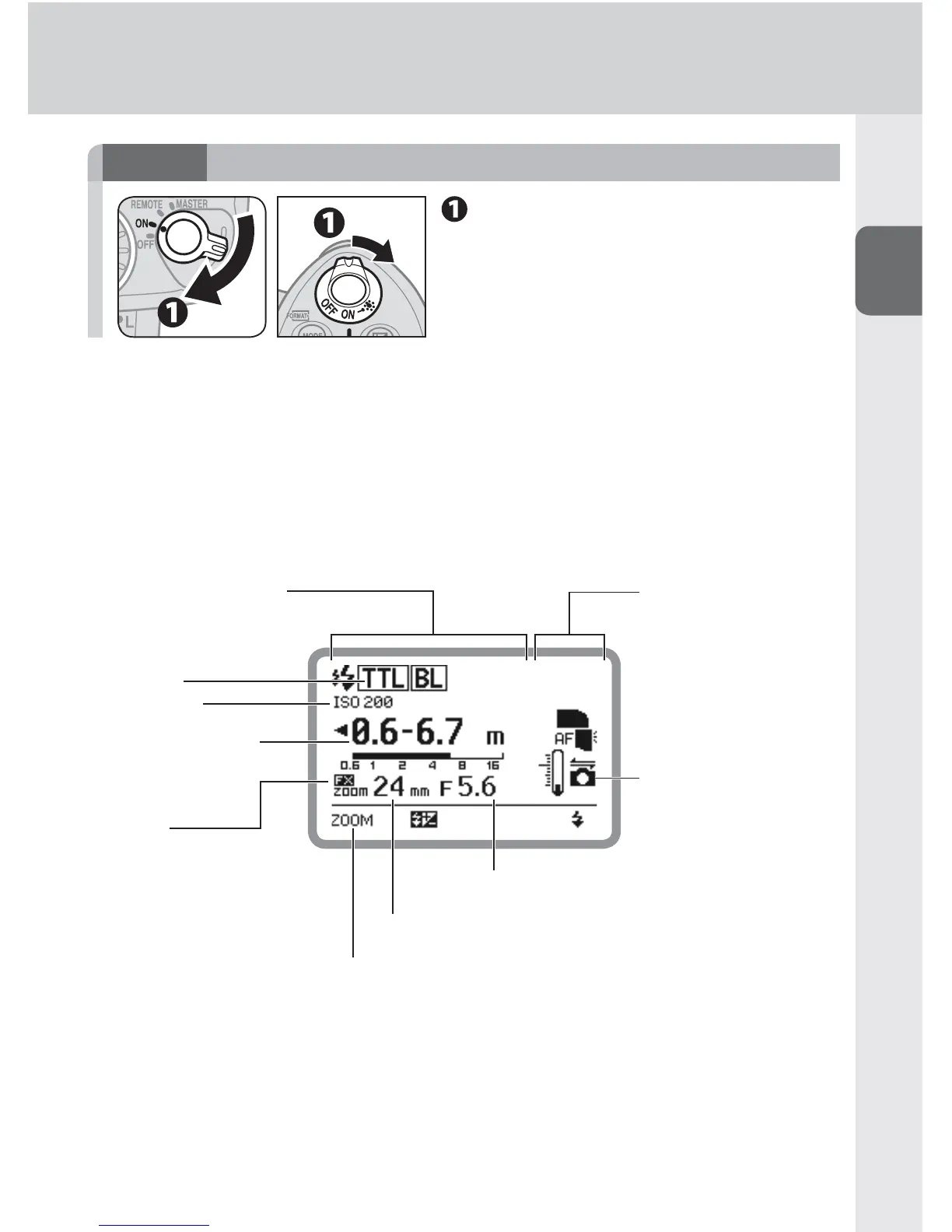
LCD example
The image below is the SB-910 LCD example under the following conditions: •
flash mode: i-TTL mode; image area: FX format; illumination pattern: standard;
ISO sensitivity: 200; zoom head position: 24 mm; aperture f-number: 5.6
Icons on the LCD may differ depending on the SB-910 settings and the camera •
and lens in use.
Flash mode
ISO sensitivity
Effective fl ash output
distance range
Zoom head position
Aperture f-number
FX format
SB-910 status icons
Connected to a CLS-
compatible camera
Functions assigned for function buttons
SB-910 fl ash information



 To Next Page