touch up the autofocus in critical images (e.g., macro) by simply
turning the focus ring on compatible lenses or the control ring on
incompatible lenses.
SECTION 2: B METERING/EXPOSURE
Custom Settings b1 to b4
You’ll find four settings within the
b Metering/exposure
menu:
b1:
EV steps for exposure cntrl
b2:
Easy exposure compensation
b3:
Center-weighted area
b4:
Fine-tune optimal exposure
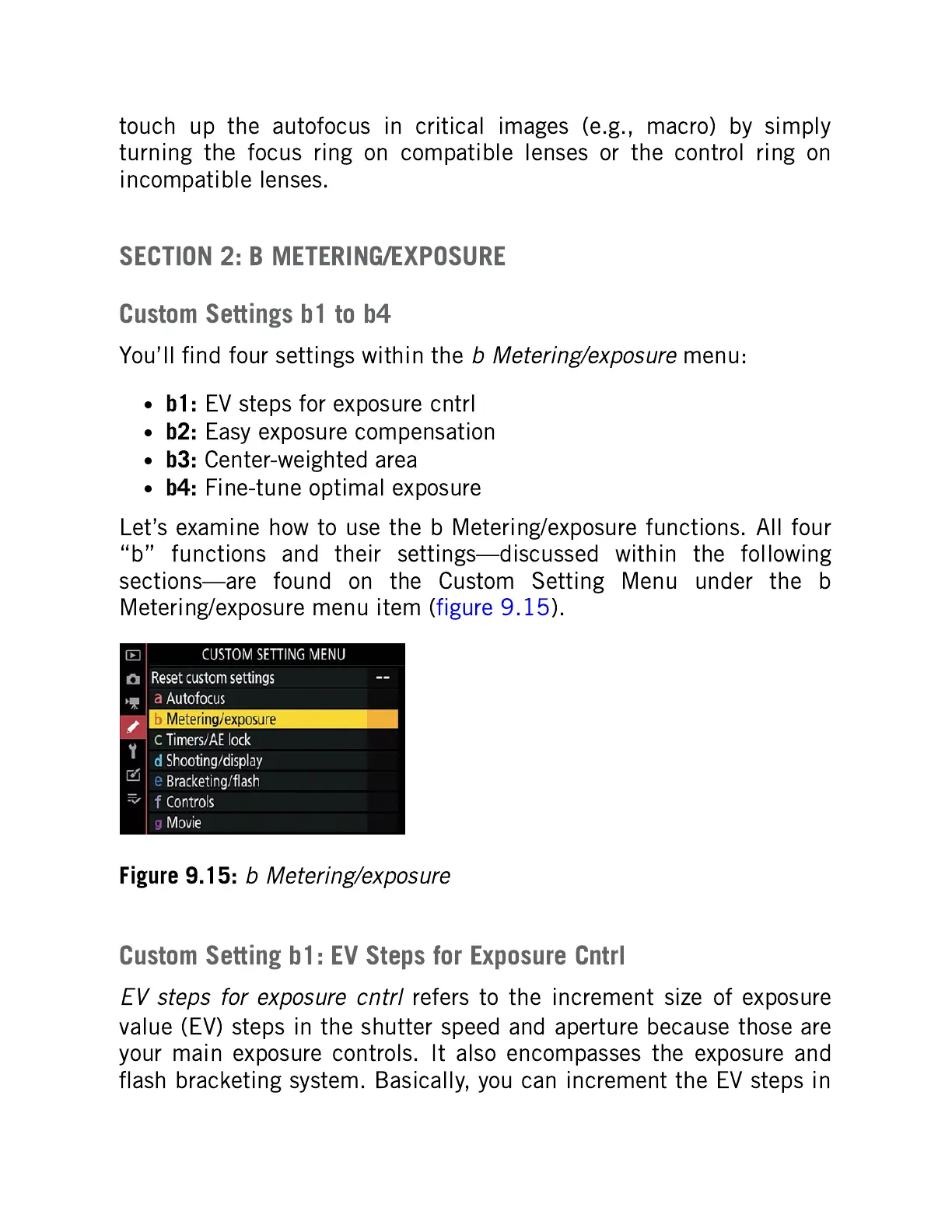
Let’s examine how to use the b Metering/exposure functions. All four
“b” functions and their settings—discussed within the following
sections—are found on the Custom Setting Menu under the b
Metering/exposure menu item (figure 9.15).
Figure 9.15:
b Metering/exposure
Custom Setting b1: EV Steps for Exposure Cntrl
EV steps for exposure cntrl
refers to the increment size of exposure
value (EV) steps in the shutter speed and aperture because those are
your main exposure controls. It also encompasses the exposure and
flash bracketing system. Basically, you can increment the EV steps in



 To Next Page