EasyManua.ls Logo

nilan VPL 25 - Activating the service menu

nilan VPL 25
23 pages
Print Icon
To Next Page IconTo Next Page
To Previous Page IconTo Previous Page
Loading...
This document may be subject to change Side 12 of 23
Activating the service menu
Press q and ENTER at the same time for 10 seconds. The service menu is now available. Press
q multiple times until the panel shows SERVICE. Press ENTER to enter the service menu. It is
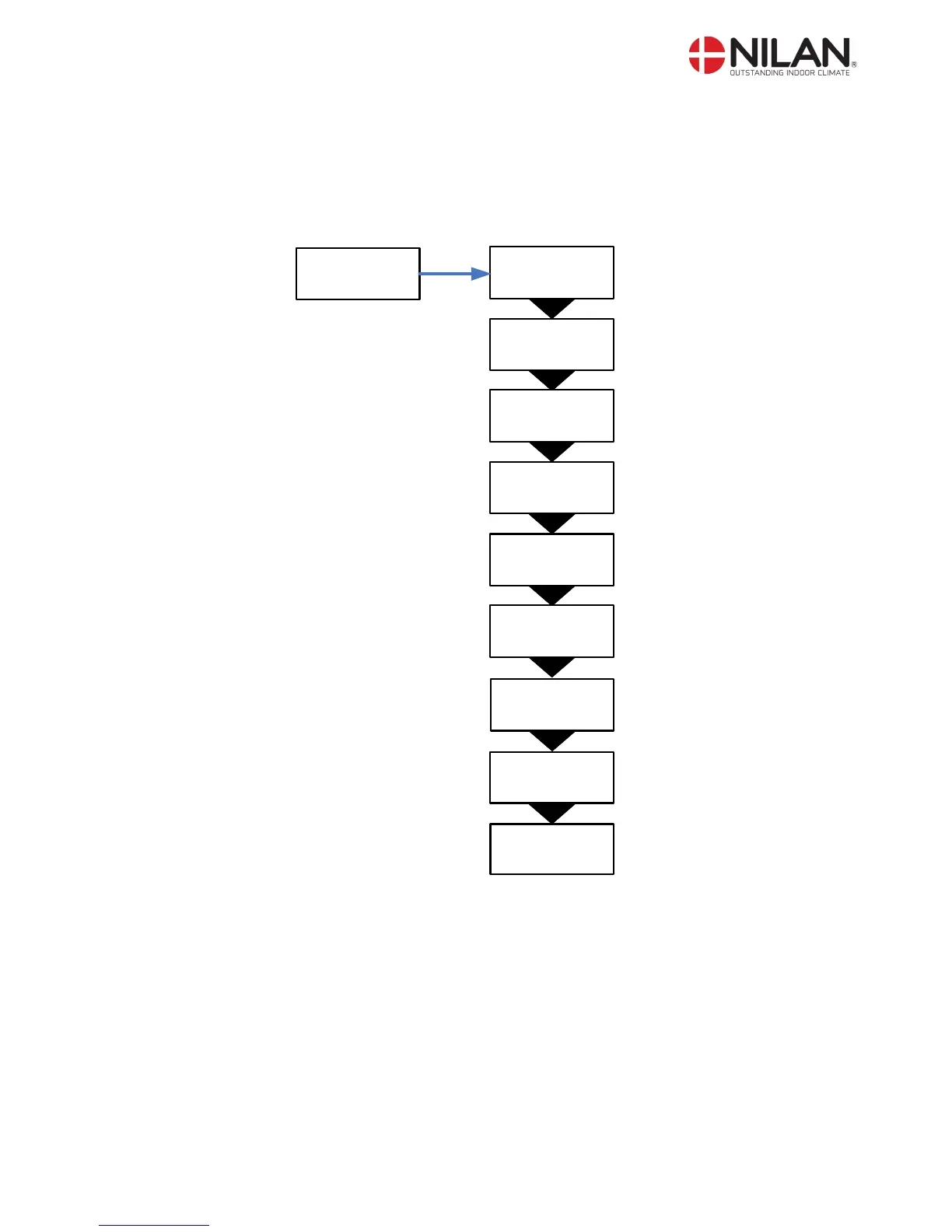
now possible to move around in the menu by using pq. The headlines of the service menu are
shown below:
HEATING
SURFACE
AIR
EXCHANGE
DEFROST
TEMP.
CONTROL
INLET
CONTROL
ROOM
CONTROL
PRESET
OFF
MANUEL
OFF
SERVICE
ENTER
Se side 21
Se side 20
Se side 18
Se side 17
Se side 16
Se side 15
Se side 14
Se side 13
RESTART
OFF
Se side 19
Figure 7: Headlines in the servicemenu

Related product manuals