13
APP USE
Thanks to the built-in Wi-Fi module, EVO 360 can be connected to Apple or Android
Smartphones and Tablets and remotely controlled.
Just download the free EVO 360 App to connect the device in Wi-Fi.
Open the App-Store or Google-Play Store, search for the NILOX EVO 360 App and download it;
the following icon will be displayed:
CONNECTING YOUR SMARTPHONE AND VIDEOCAMERA
• Press key on top of the cam
• “Wi-Fi ON” will appear at the same time
• The name of the network and the password will appear next
• The network (SSID) is EVO 360
• The default password is Nilox1234
• Connect the cam and smartphone
• At this point, start the App you previously downloaded on your phone.
ATTENTION:
The EVO 360 need not be linked to the APP to be used.
Vice versa, pictures and videos are only displayed in combination with its specific
APP.
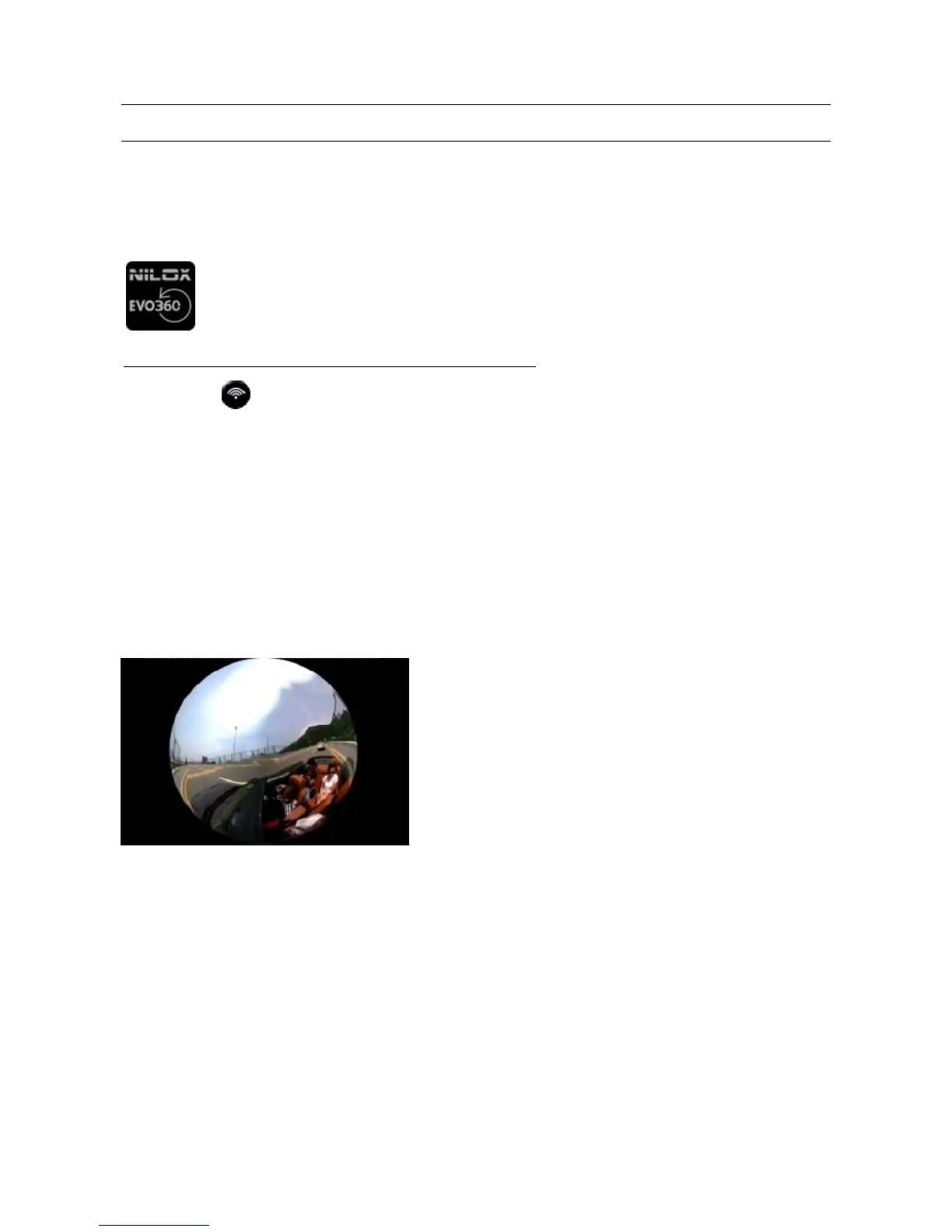
Videos and pictures viewed on a traditional multimedia
reader are not correct since displayed in a sphere.
Always use the specific APP to view them correctly.



 To Next Page