14
Possible choices are:
• No, Yes
NOTE: RESET RESTORES THE CAM MENU TO ENGLISH.
VERSION
Displays the cam firmware version.
Go to:
Version
Press key to confirm.
Select with and confirm with .
VIEWING PHOTOS AND VIDEOS
Repeatedly press until is displayed.
The top symbol lets you view recorded videos, the bottom symbol lets you view images.
CONNECTIVITY
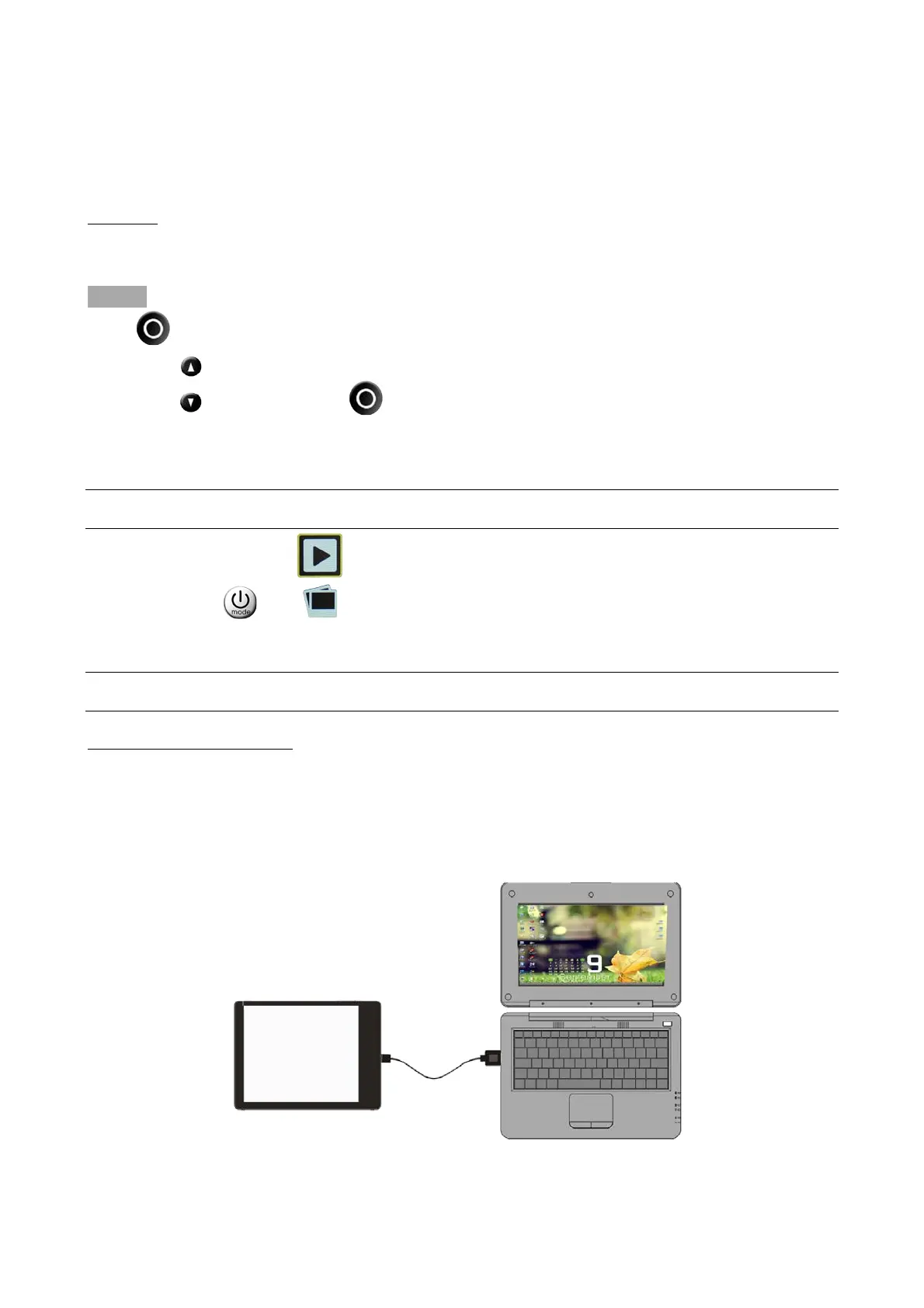
COMPUTER CONNECTION
The EVO 4KS+ camera has 1 USB micro port.
Use this port to connect the camera to a computer to charge or download photos and videos from
the memory card.
The internal EVO 4KS+ card is displayed as an external disk drive.



 To Next Page