7
METHOD OF USE AND SYMBOLS
The camera has 5 use modes immediately available by pressing the key in sequence when
turned on:
• Video recording mode .
• Photo mode .
• Burst-mode .
• Time-lapse mode
• Parameters setting. .
• Press the key on the right side of the cam to view photos and videos.
The camera is set to video mode by default when turned on.
Following are some of the symbols that most commonly appear on the screen.
VIDEO MODE
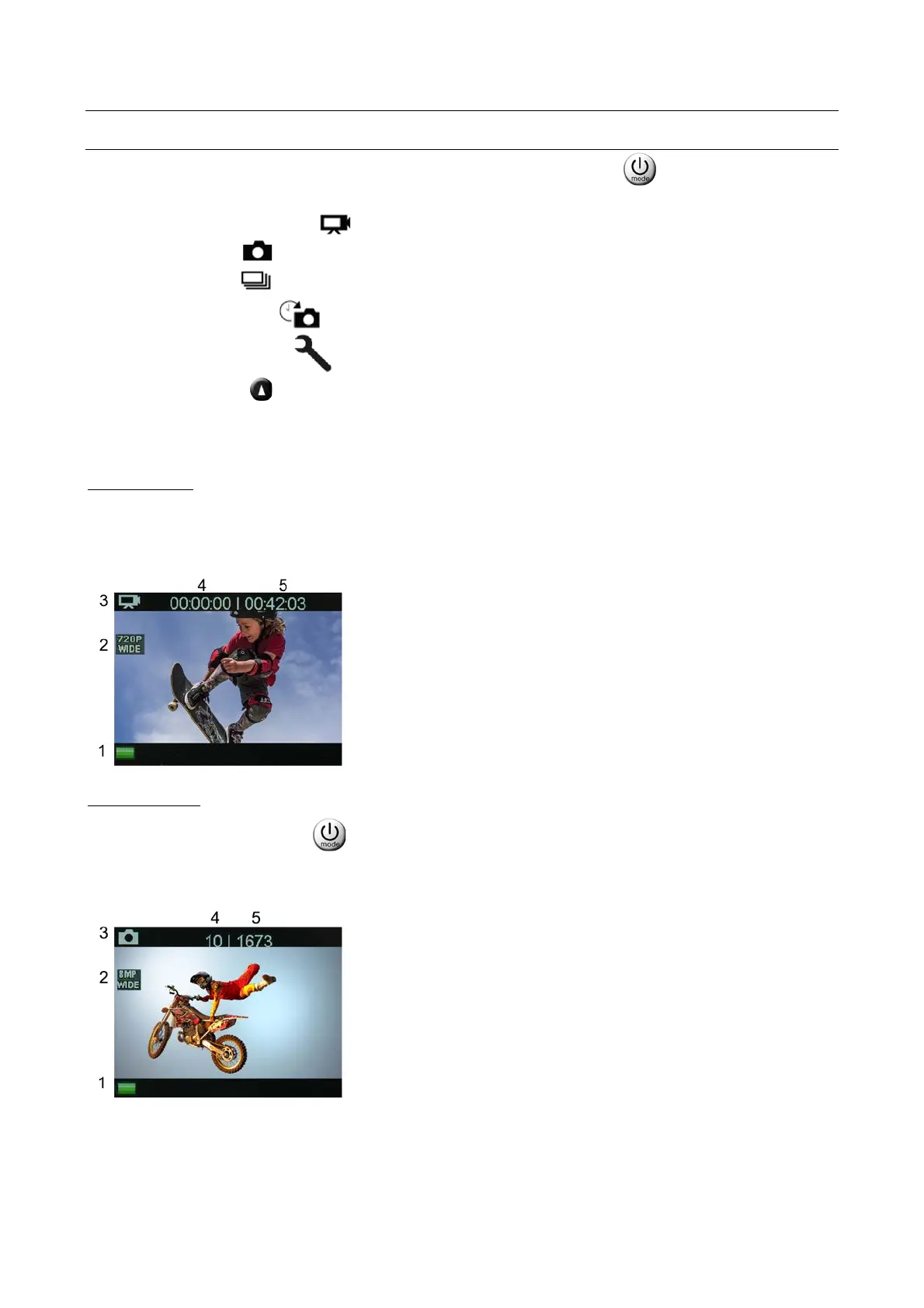
This is the default mode when the EVO 4KS+ is turned on
These are the indications that appear on the cam display
The resolution parameters are set in the settings menu
2. Video resolution.
3. Current mode.
4. Recording time
5. Remaining recording time (*)
(*) With reference to the set resolution
PHOTO MODE
From Video mode, press the key to switch to Photo mode.
These are the indications that appear on the cam display
The resolution parameters are set in the settings menu
2. Photo resolution.
3. Current mode.
4. Shots taken.
5. Remaining photos (*).
(*) With reference to the set resolution



 To Next Page