18
DISPLAY PHOTOS AND VIDEOS (WITH APP)
As previously seen, you can access the photo and video archive on the MicroSD at any time in both
applications.
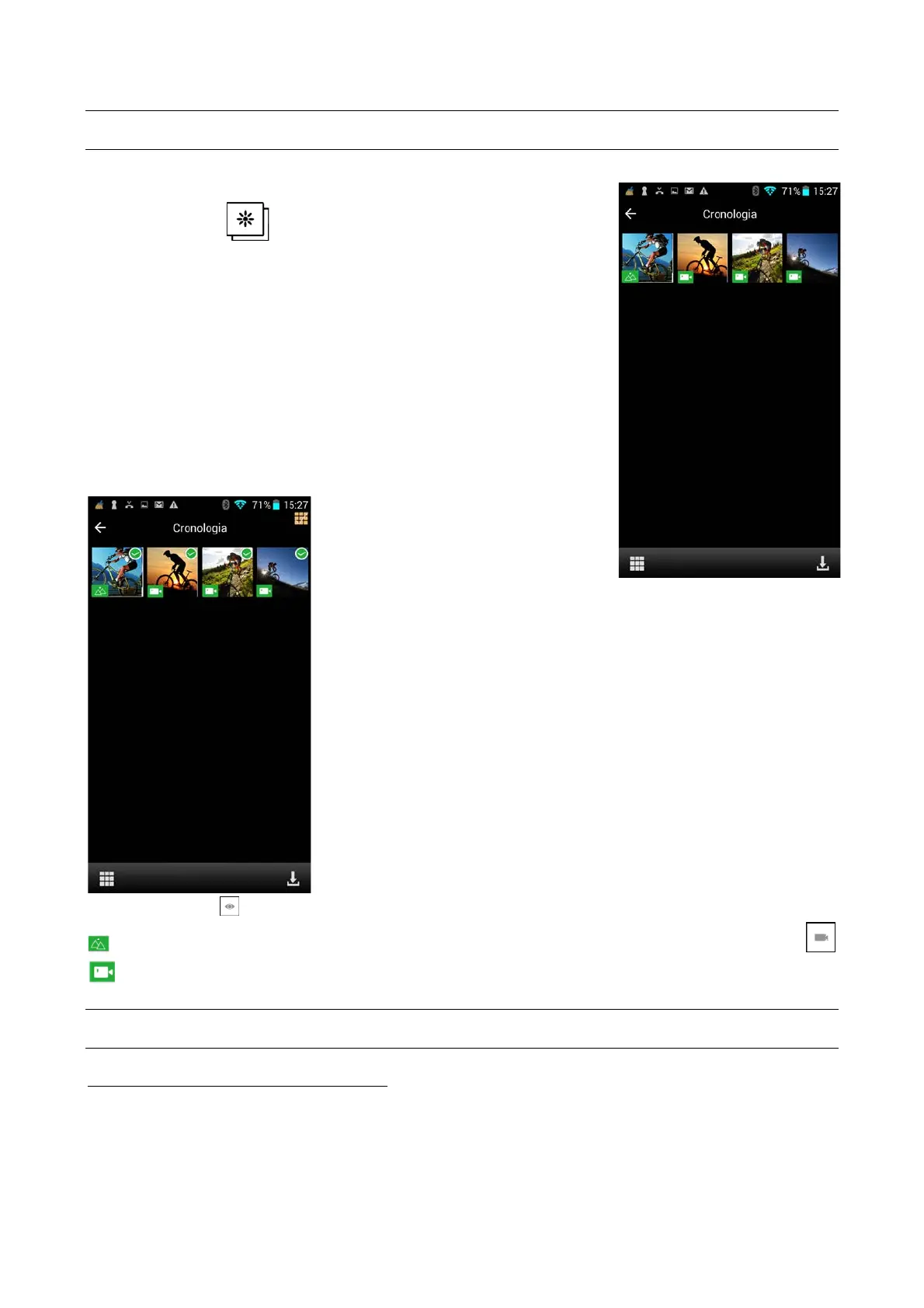
Press the icon (7) . Videos and photos are displayed.
Switch from one mode to another by touching the relevant green
icon. (For iOS only).
Selecting the photo or video they will be directly displayed or
downloaded (just for iOS systems).
When you select an individual photo or video, it is automatically
displayed.
Regarding Android, instead, If you touch the icon with the squares at
the bottom left you can select photos and videos and download them
to your smartphone or delete them.
The eye’s symbol indicates a photo in iOS system, while a little icon indicating two little mountains
will appear for Android. For both sytems the movies will be symbolized by a camera icon
PRECAUTIONS
PRECAUTIONS FOR THE CAMERA CASE
The waterproof case is a precision component. Please use the following precautions:
• Do not randomly dismount and mount the O-ring of the case, keys and lens cover, otherwise
the waterproof performance deteriorates.



 To Next Page