Language
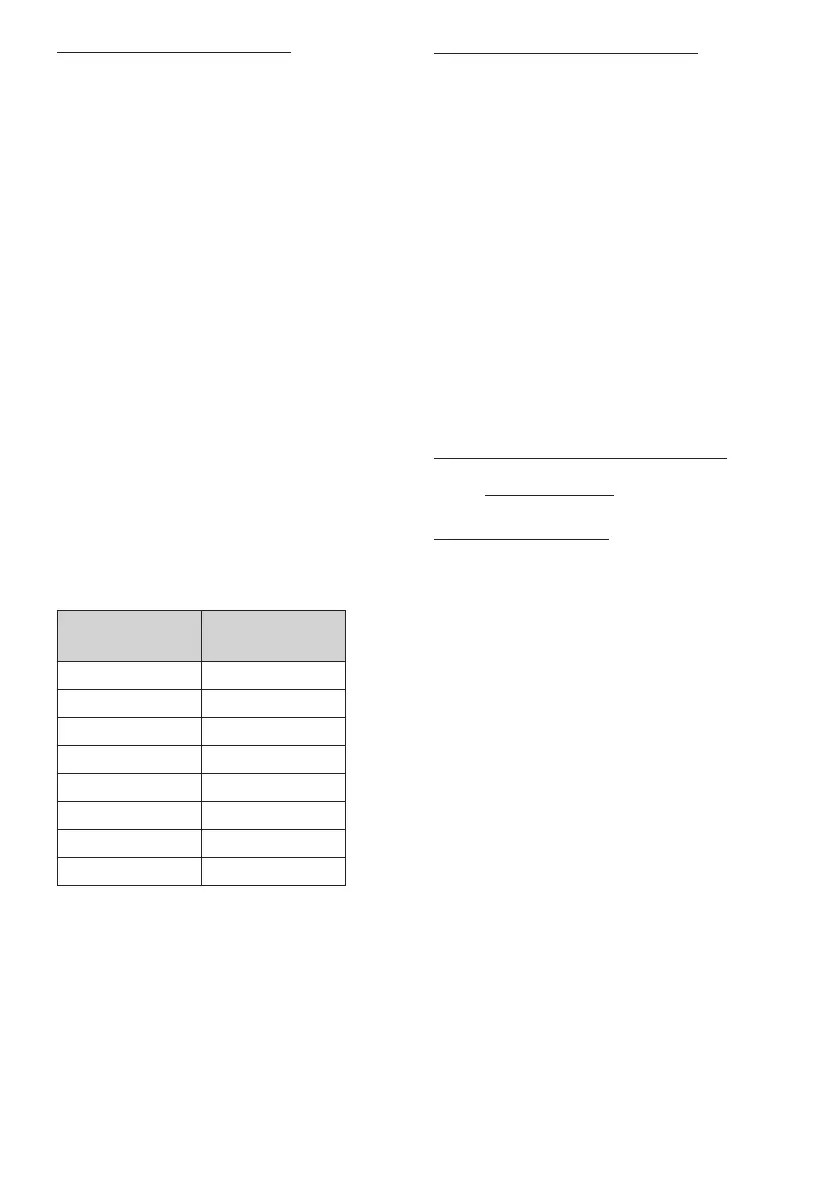
symbol
Display langu-
age
0 English
1 Swedish
2 Norwegian
3 Danish
4 Finnish
5 -
6 French
7 German
6.2 Language setting
The following languages are available: English, Swedish,
Norwegian, Danish, Finnish, French and German.
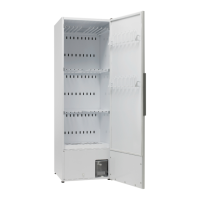
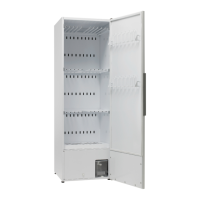
1 Make sure that the main power switch ON/OFF on
the cabinet is in the OFF position. The display will
be black.
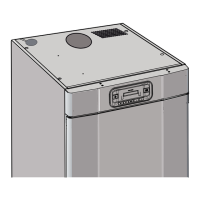
2 Press and hold the UP and DOWN ARROW buttons
and then press the main power switch ON/OFF to
the ‘ON’ position. The display will be lit and ash
‘P105’ in the top row, which is the parameter for
the language setting. If any other value is shown,
use the UP or DOWN ARROW button to move to
the correct parameter.
3 Press the START/STOP button to conrm.The line
will ash with the current language. The languages
have a digit symbol in accordance with the list
below.
4 Move to the preferred language with the UP or
DOWN ARROW button.
5 Press START/STOP to save the set value.
6 Press the UP ARROW and START/STOP to return
to the operational value.
6.3 Drying programmes
The drying cabinet has two drying programmes:
p Normal dryness
p Extra dryness
The programmes will turn o the drying process au-
tomatically when the textiles are dry.
SELECTING A DRYING PROGRAMME
p Normal dryness – Used for drying garments of
normal thickness.
p Extra dryness – Used for drying thick gar-
ments, deep drying
6.4 Optimizing the drying
programme
6.4.1 Introduction
The automatic programme of the drying cabinet can
be optimized with the control panel buttons, when the
drying cabinet is in programming mode.
Only make adjustments if:
p the laundry is not dry enough
p the laundry is being dried for too long - long drying
time
30 ENGLISH


 To Next Page