ninjakitchen.com
ninjakitchen.com
ninjakitchen.com
ninjakitchen.com
PARTS
1 Remove all packaging materials from the unit. Exercise care when unpacking the Stacked Blade Assembly,
and Hybrid Edge Blades Assembly as the blades are sharp.
2 The Stacked Blade Assembly are NOT locked in place in their containers. Handle the Stacked Blade
Assembly by grasping the top of the shaft.
3 Handle the Hybrid Edge Blades Assembly by grasping around the perimeter of the blade assembly base.
4 Wash containers, lids, and blade assemblies in warm, soapy, water using a dishwashing utensil with a
handle to avoid direct contact with the blades. Exercise care when handling blade assemblies, as the
blades are sharp.
5 Thoroughly rinse and air-dry all parts.
6 Wipe control panel with a soft cloth. Allow it to dry completely before using.
BEFORE FIRST USE
IMPORTANT: Review all warnings at the beginning of this Owner’s Guide before proceeding.
NOTE: All attachments are BPA free. Accessories are top-rack dishwasher safe and should NOT be
cleaned with a heated dry cycle. Ensure blade assemblies and lids are removed from the containers
before placing in the dishwasher. Exercise care when handling blade assemblies.
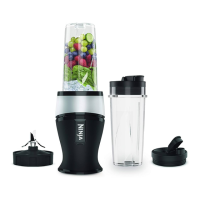
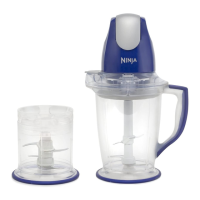
A Pitcher Lid
B Total Crushing® Blades
(Stacked Blade Assembly)
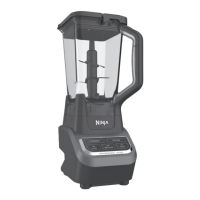
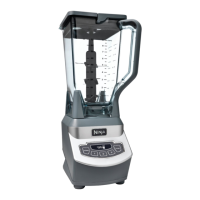
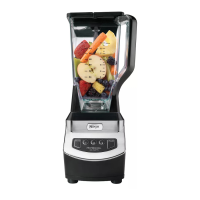
C 72 oz.* Power Blender
& Processor Pitcher
D Spout Lid
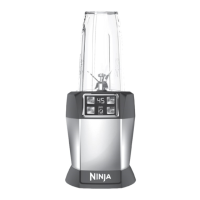
E Hybrid Edge™ Blades Assembly
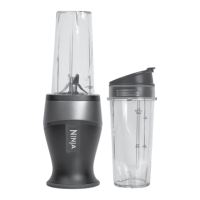
F 24 oz. Single-Serve Cup
G Motor Base
(attached power cord not shown)
*64 oz. max liquid capacity.
To purchase more accessories and find
great recipes, visit ninjakitchen.com.
A D
B
E
F
C
G
BLENDSENSE™ TECHNOLOGY
Intelligent BlendSense™ program that revolutionizes traditional blending by sensing your ingredients
and blending to perfection every time. Once the BlendSense program is selected, it will start immediately
and automatically stop when blending is complete. To stop blending before the end of the program,
press the dial again.
Simply press the dial to start the BlendSense Program.
SENSE
Starts blending
to sense your
ingredients.
BLEND
Chooses the
blending speed,
time, and pulse.
ENJOY
Blends to perfection
for personalized
results every time.
1 2 3
BlendSense is best used for smooth blends such as smoothies,
drinks, smoothie bowls, dips, purees, and sauces.
Press the dial to initiate the BlendSense program.
SENSING
In the first 15 seconds, actively adjusts speed and time to deliver a perfectly smooth blend.
BLENDING
Blends continuously
without pulsing. Perfect
for fresh fruit smoothies.
THICK MODE
Creates thick spoonables,
like smoothie bowls
or nut butters.
ADD LIQUID
When using the single serve cup,
this illuminates if your recipe
requires more liquid.
CRUSH AND MAX-CRUSH
Detects tougher and frozen ingredients
then adjusts the pulsing pattern for
a smooth blend.
UNDETECTABLE
This illuminates if your ingredients are
too fine to be detected. For example,
if there’s only liquid in the pitcher.
BLENDING POSSIBILITIES
ERROR DETECTION


 To Next Page
 Loading...