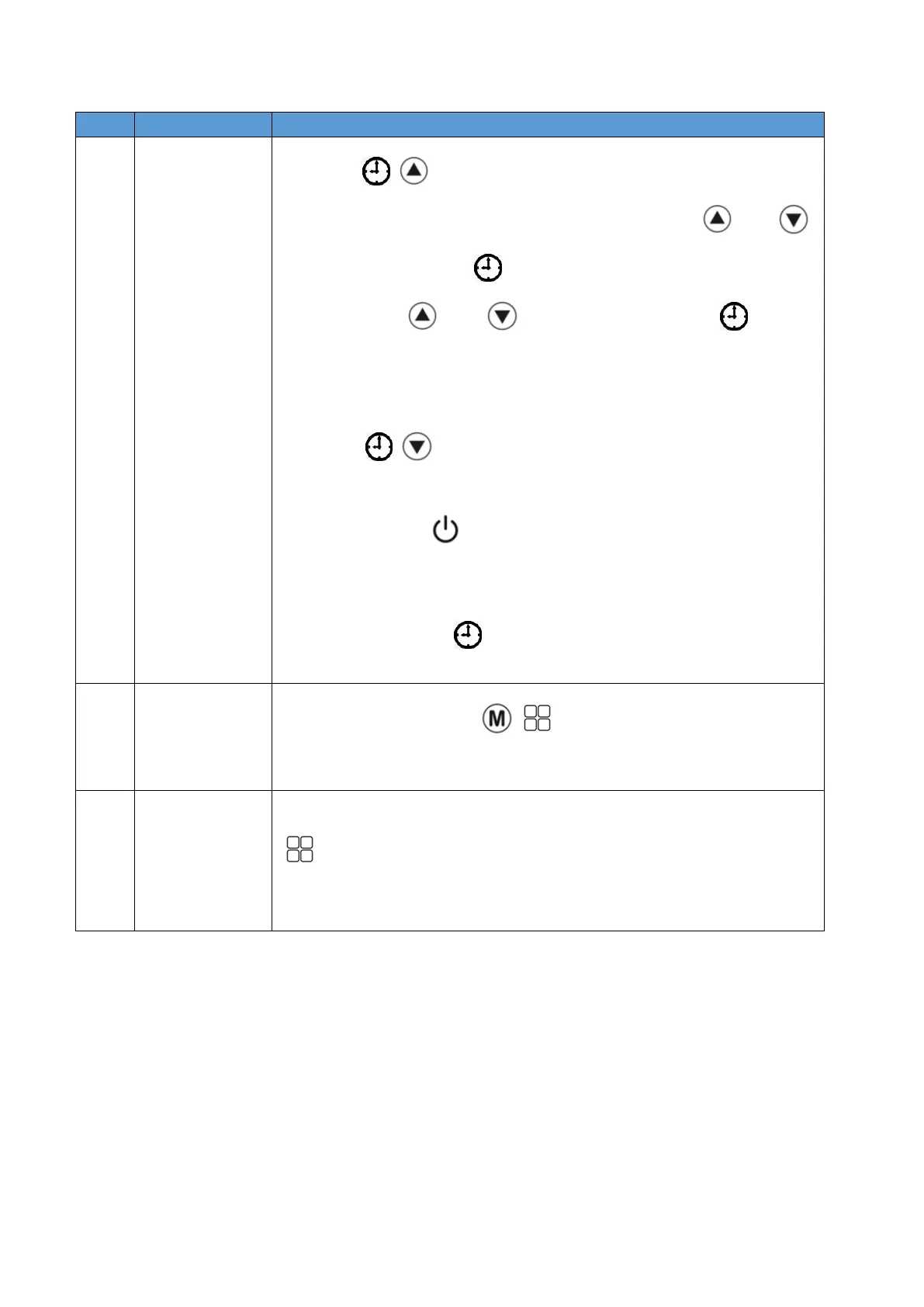
⚫ Press "
+
"for 3s at the main interface to enter timer 1 ON setting.
The "ON" icon will display, the hour part will flash. Press " " and " "
to adjust. Then press " " to set the minute part. The minute part will
flash. Press " " and " " to adjust. And then press " " again to
confirm this setting.
⚫ After timer 1 ON is completed, it will automatically enter the timer 1 OFF
setting state, and the "OFF" icon will display.
⚫ Press"
+
" to enter the timer 2 setting state. The following steps
are same as timer 1.
⚫ Short press the " " button or no key operation for 20 seconds during
the operation to exit the timing setting, and the set parameters will not be
saved.
⚫ Press and hold the " " key for 3 seconds during the operation, and all
timings will be invalid.
At the main interface, press" + "for 3s to enter the manual defrosting
function. The main board will determine whether to enter the manual
defrosting function according to the conditions.
On the startup interface and the unit is not in automatic mode, short press the
" " key to switch between silent, standard and powerful modes.
On the startup interface and the unit is in automatic mode, the frequency is
fixed at standard mode.


 To Next Page