4.2. Key Operating Instruction
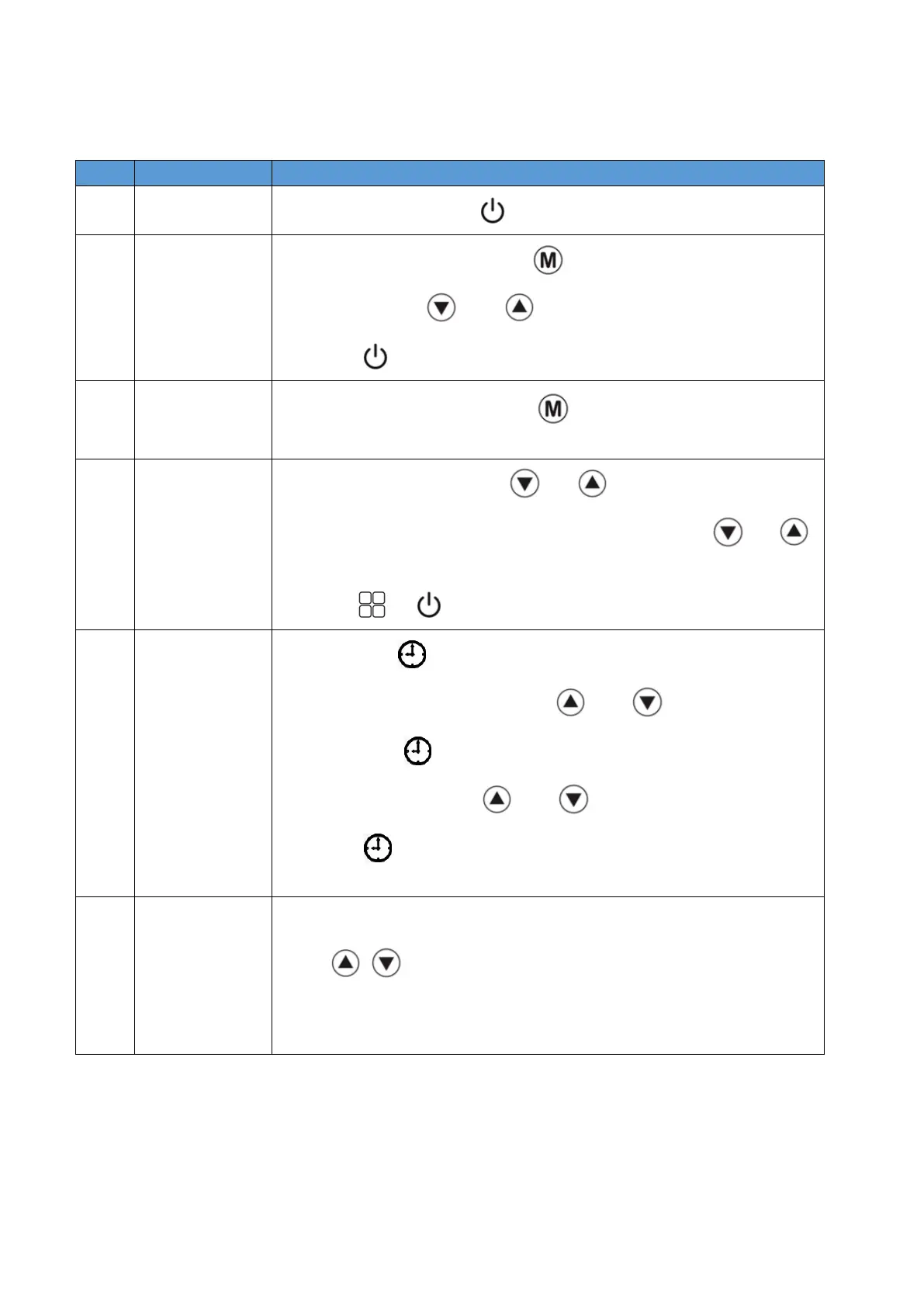
At the main interface, press " " to control system on / off.
⚫ At the main interface, press " "for 3s to enter the system status
interface.Press " " and " " to adjust.
⚫ Press " " or 1 minute without key operation, this interface will exit.
At the main interface, short press " " to select mode between heating
mode and cooling mode.
⚫ At the main interface, press" " or " " to enter temperature setting,
at this point, the set temperature flashes. And then press " " or " "
to set the temperature.
⚫ Press" "or " " key to save the setting value.
⚫ Long press" " at the main interface to enter the current time hour
setting. The hour part flash. Press " " and " " to adjust.
⚫ Then press " " enter the current time minute setting.The digital pipe
minute part flash.Press " " and " " to adjust.
⚫ Press " " or 1 minute without operation to save the setting and exit
automatically.
Press " + " at the same time for 3s to lock/unlock. When the lock icon
appears on the screen, it means that the display is locked.


 To Next Page