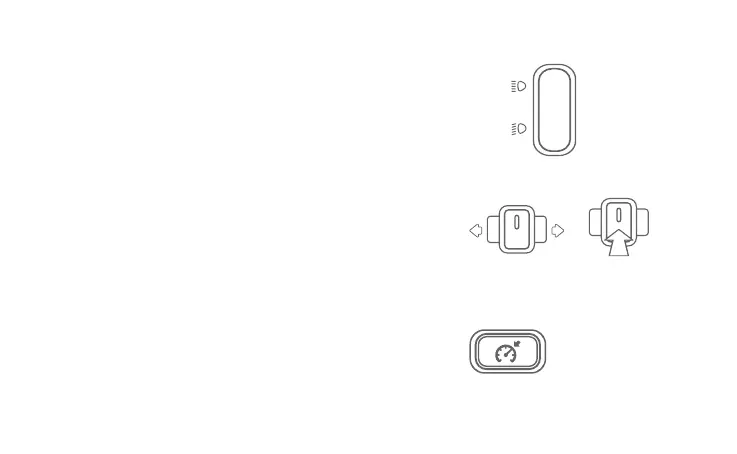
High
Beam
Low
Beam
High/Low Beam: Press the top part of the switch to to
select high beam; press the bottom part of the switch
to switch to select low beam.
Turn Signal Indicator: Push the button left to turn on the
Left Turn Signal Indicator; push the button right to turn
on the Right Turn Signal Indicator. Press the button to
reset and the Turn Signal Indicator will be off.
Cruising Mode: Push the button to cruise at current
speed. Press again or brake to turn it off.
On Off
19


 To Next Page